How to draw a UML class diagram
A class diagram shows the types in a program, what they hold and do, and how they relate. Draw one to design or explain code structure.
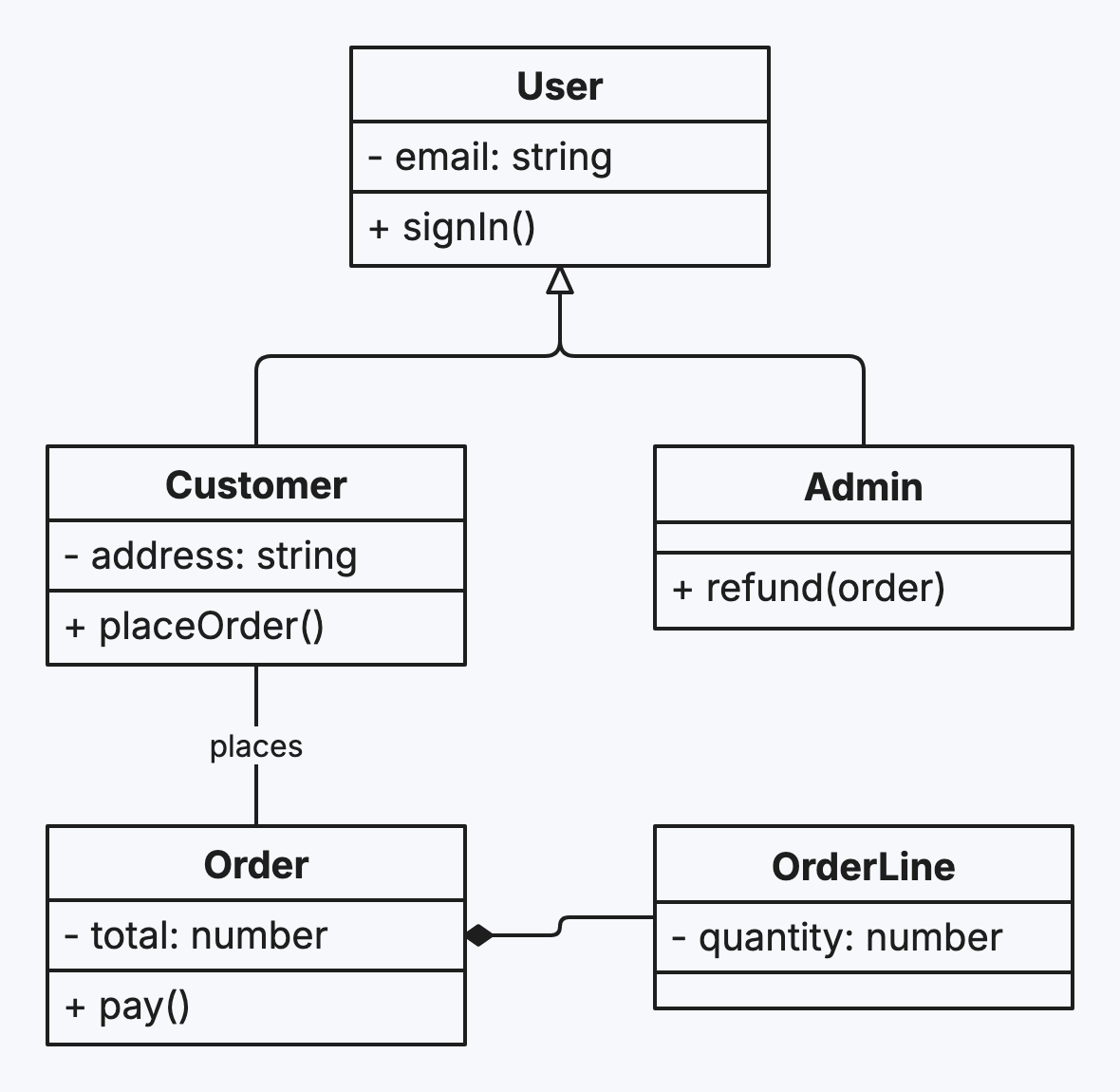
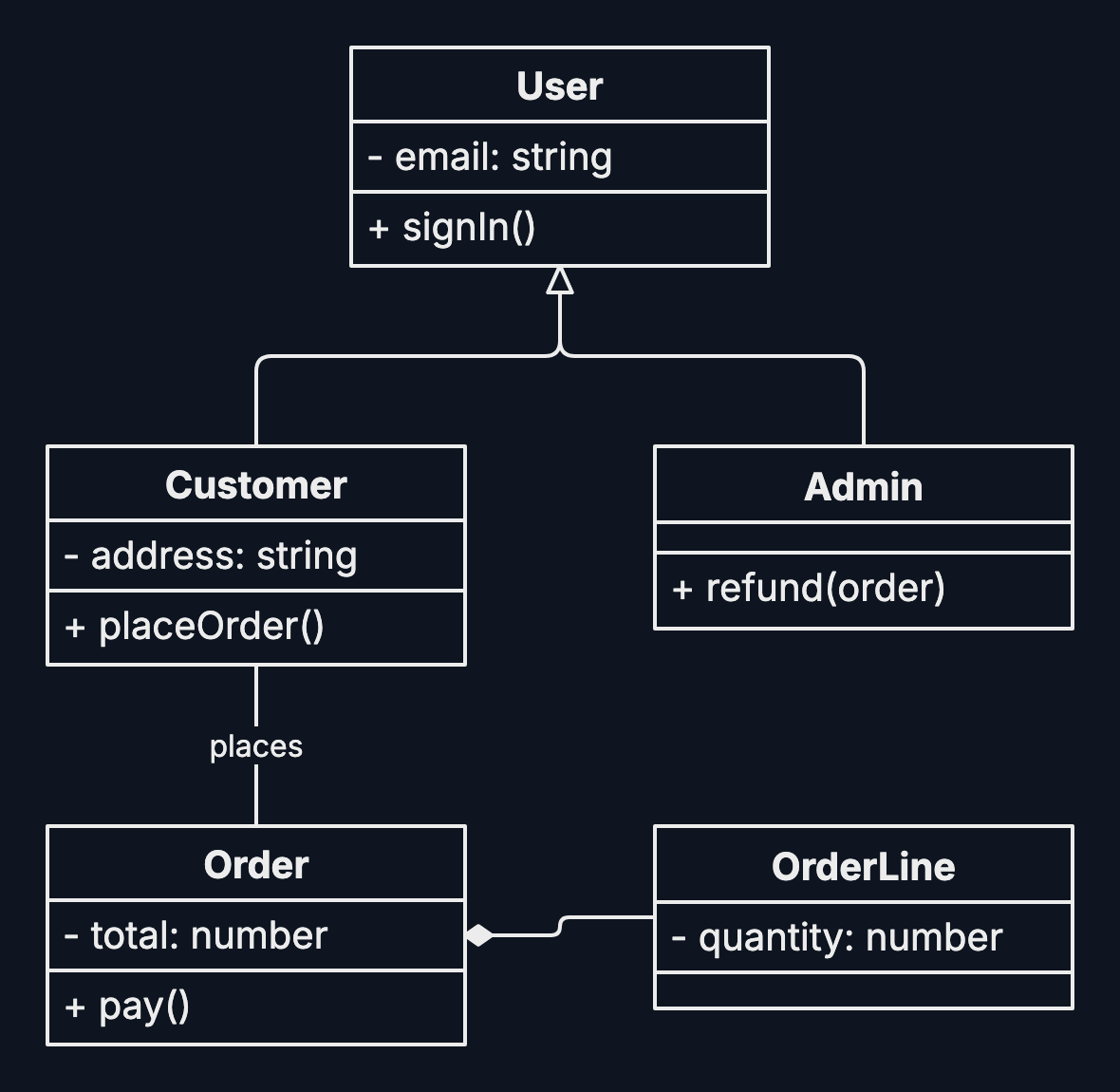
Step by step
-
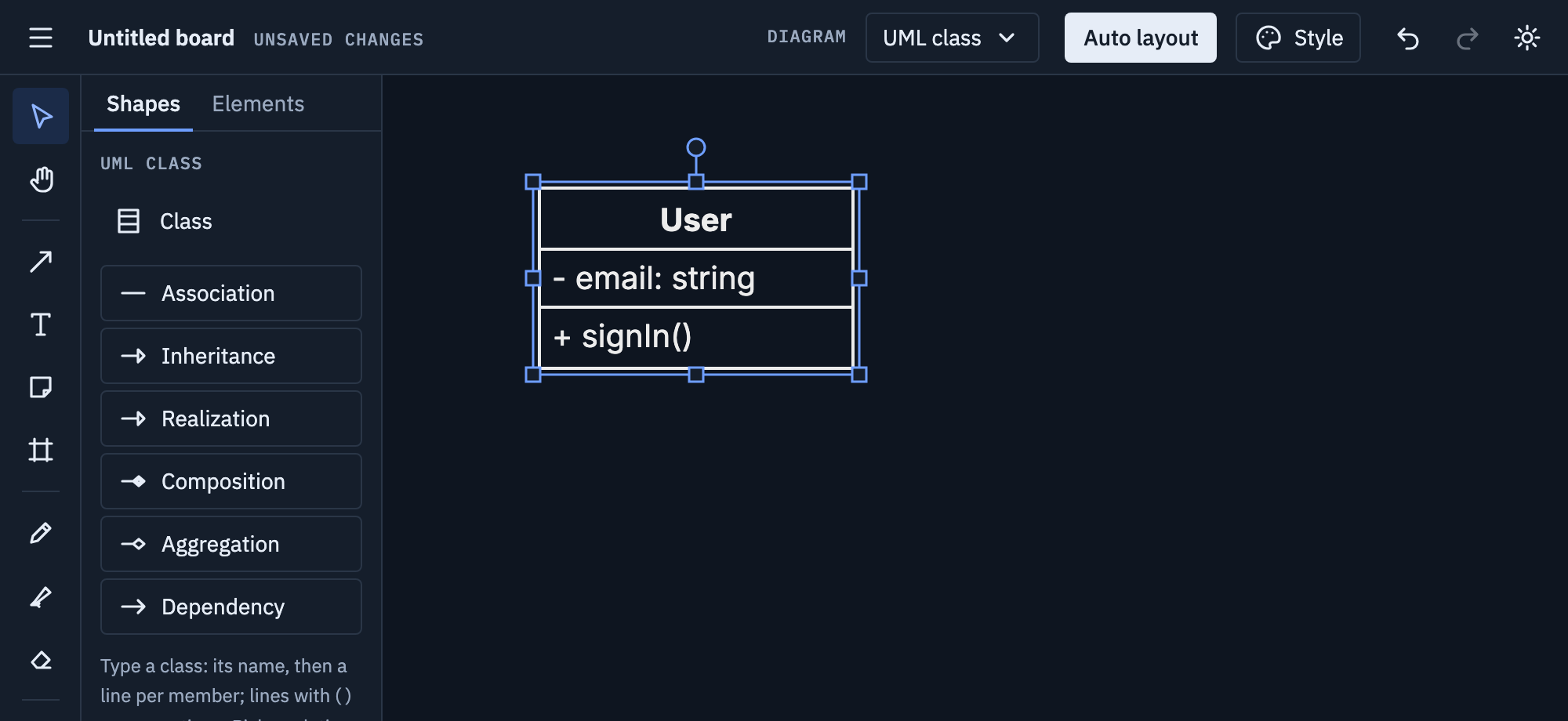
Pick UML class from the Diagram menu, click Class, then click the board. Type the name, then one member per line: attributes, and operations with parentheses, like
+signIn().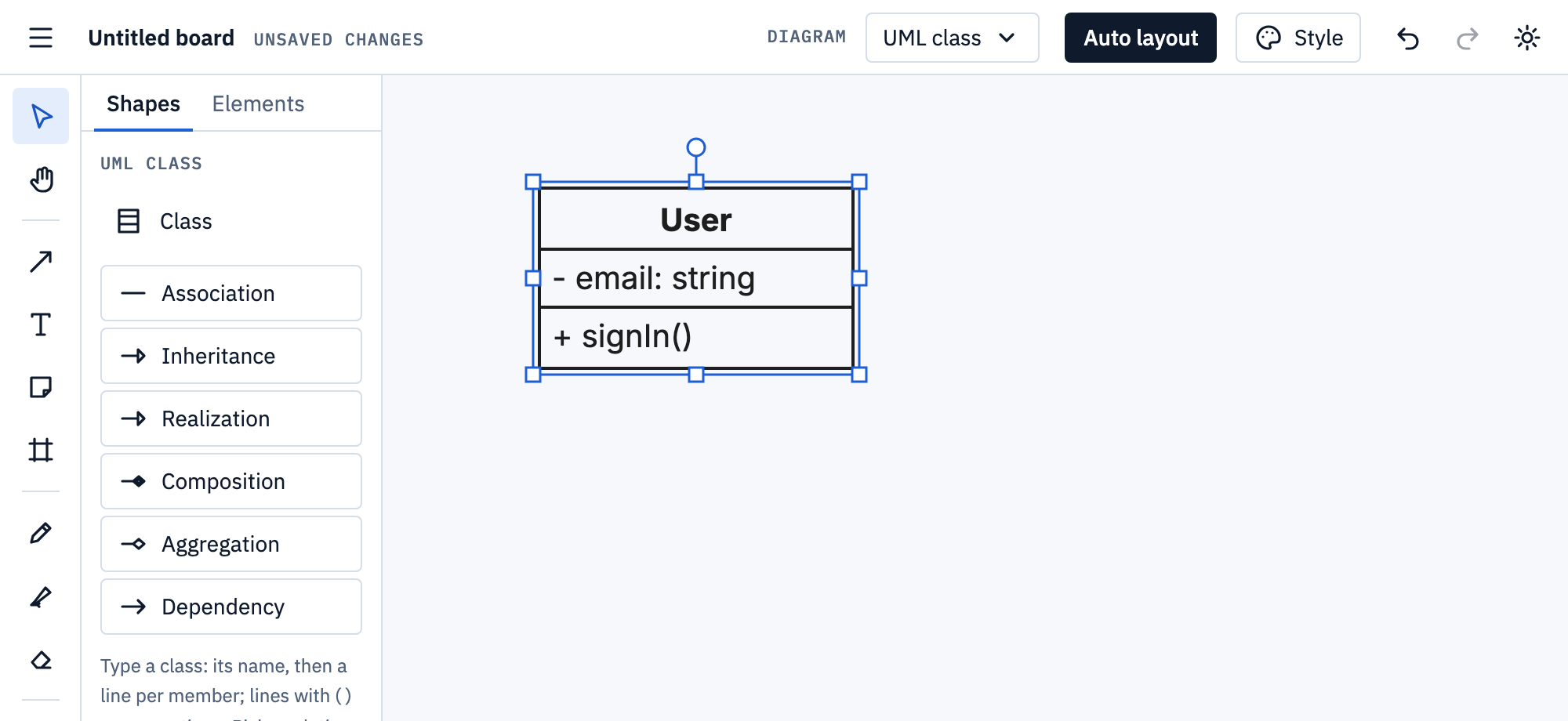
-
Add the other classes the same way. Each one grows to fit its members.
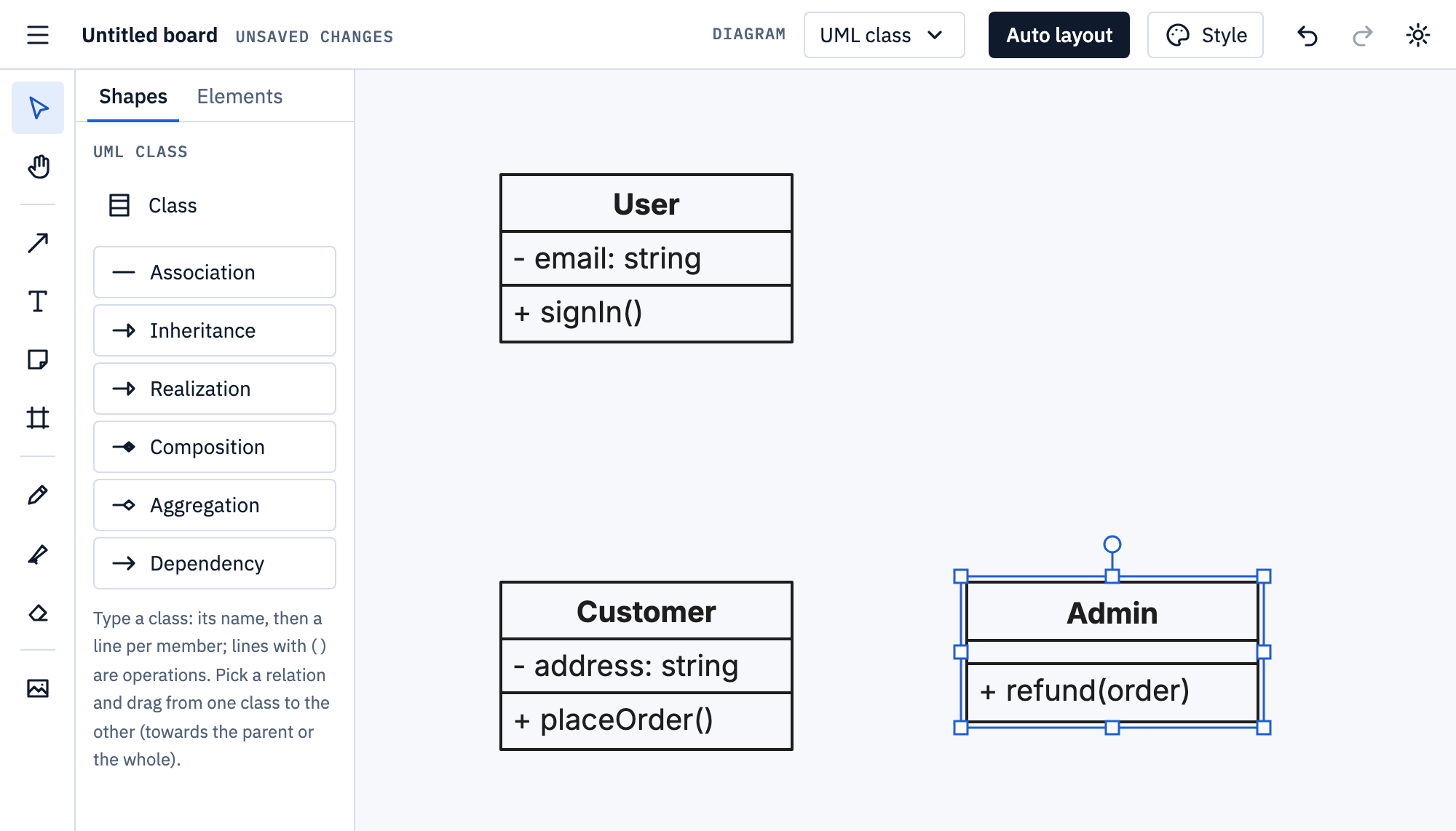
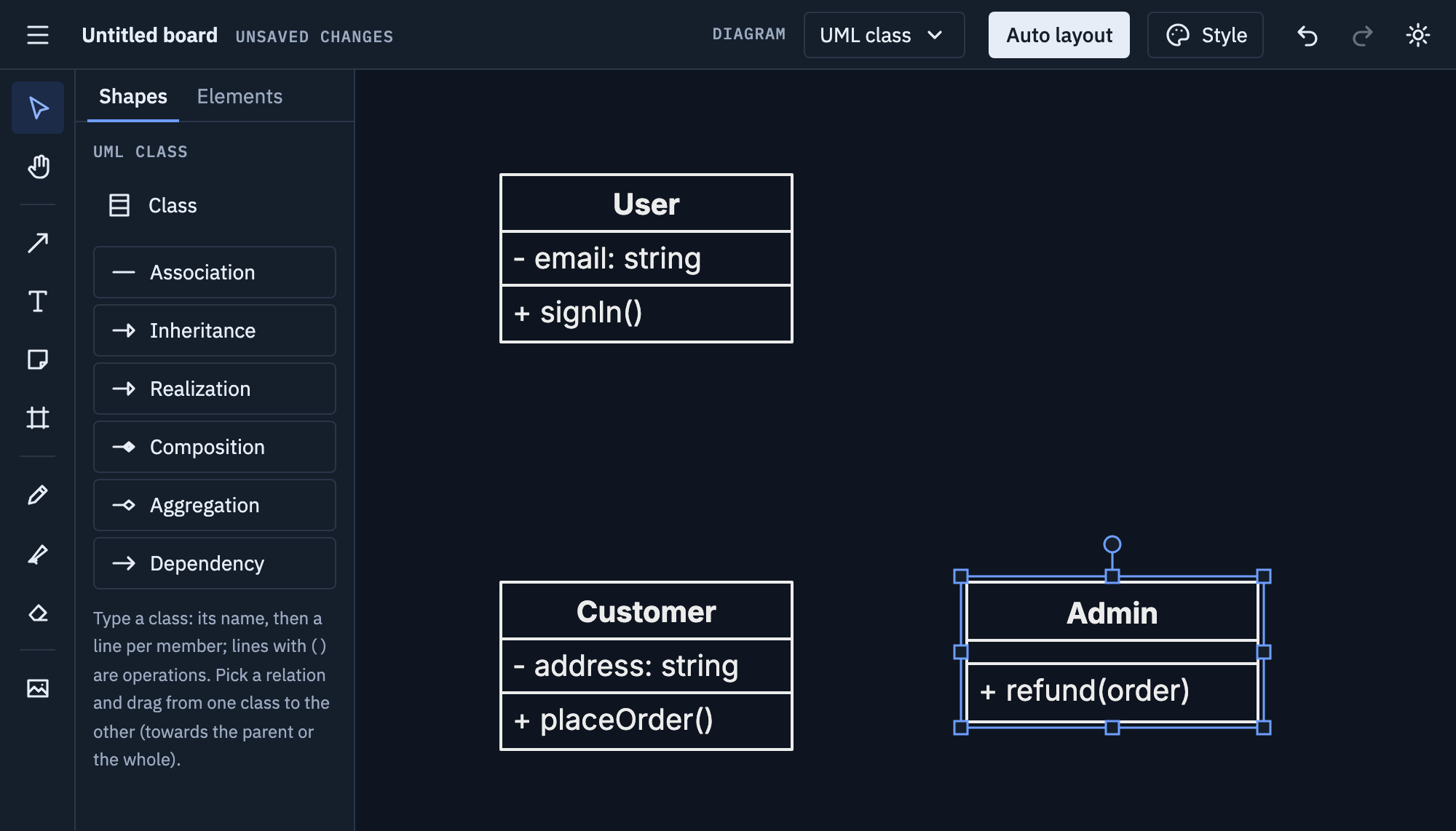
-
Pick a relation and drag from one class to the other: Inheritance from the child to the parent, Composition and Aggregation from the part to the whole.
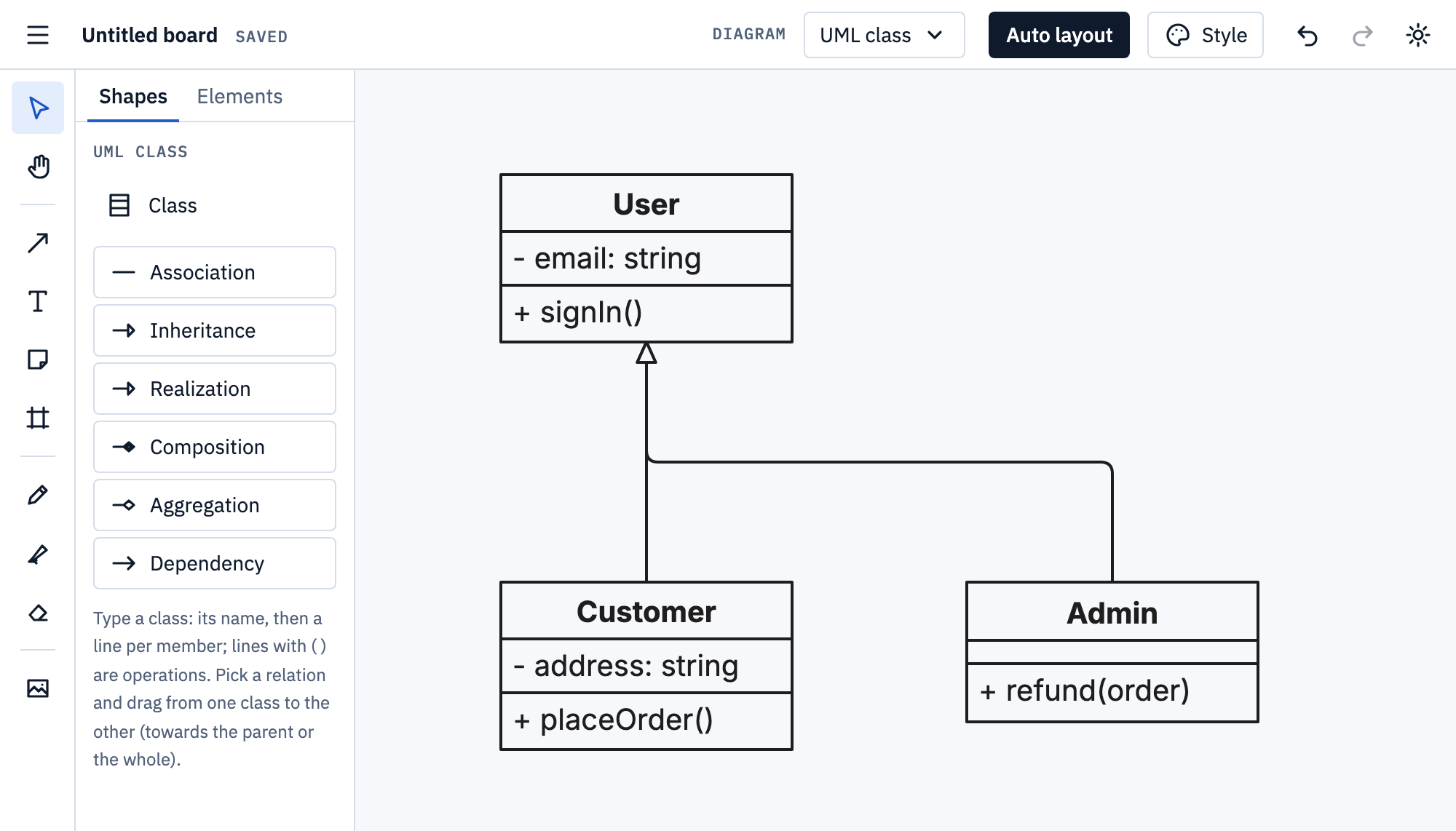
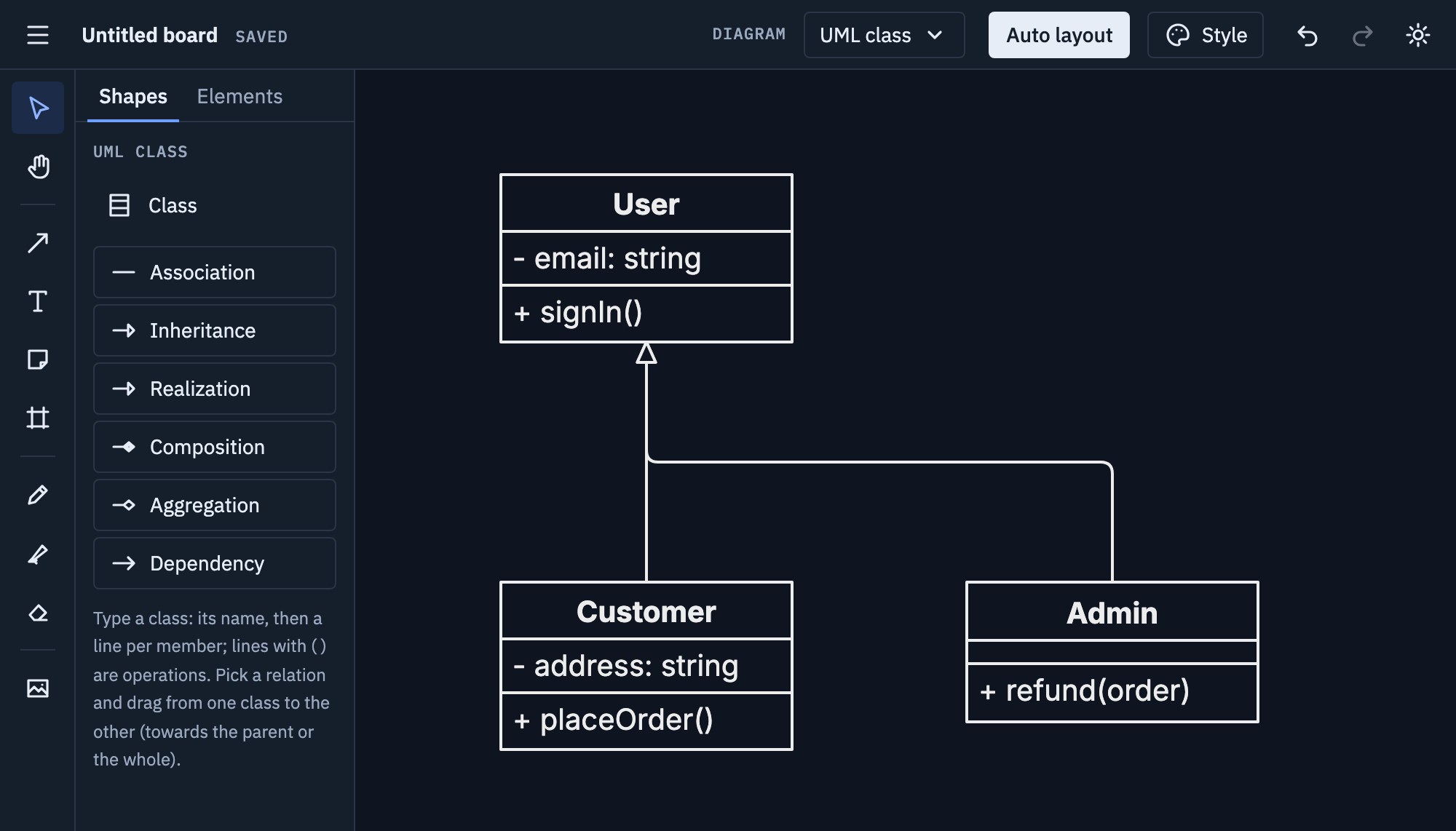
Tips
- Show the members that matter for the question, not every field.
- Use
+for public and-for private, as UML does. - Mark an abstract class or an interface in its name, like «interface» Shape.
Mermaid
Paste this onto the board, or use Board menu → Import Mermaid…; Export Mermaid… writes a board back as text.
classDiagram
  class User {
    -String email
    +signIn()
  }
  User <|-- Customer
  User <|-- Admin
  Customer --> Order : places
Relations: <|-- inheritance, <|.. realization,
*-- composition, o-- aggregation, --> association,
..> dependency, -- and .. links. More on
Mermaid import and export.