How to draw a sequence diagram
A sequence diagram shows the messages between participants in time order, top to bottom. Draw one for how a request travels through a system, or any conversation where order matters.
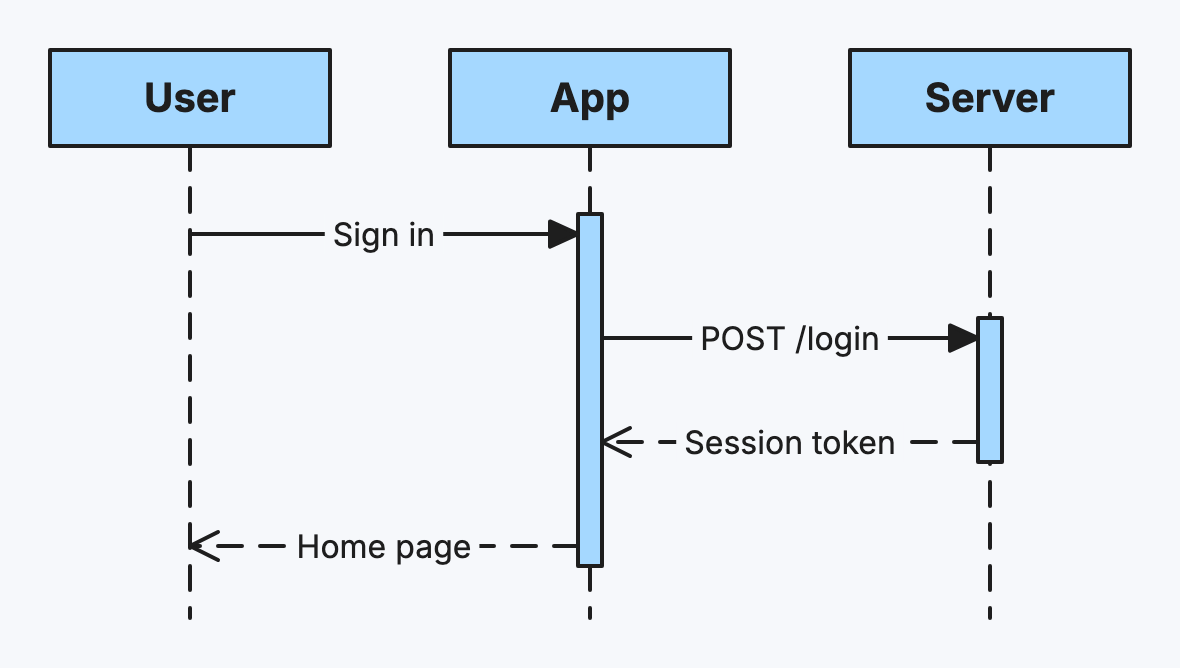
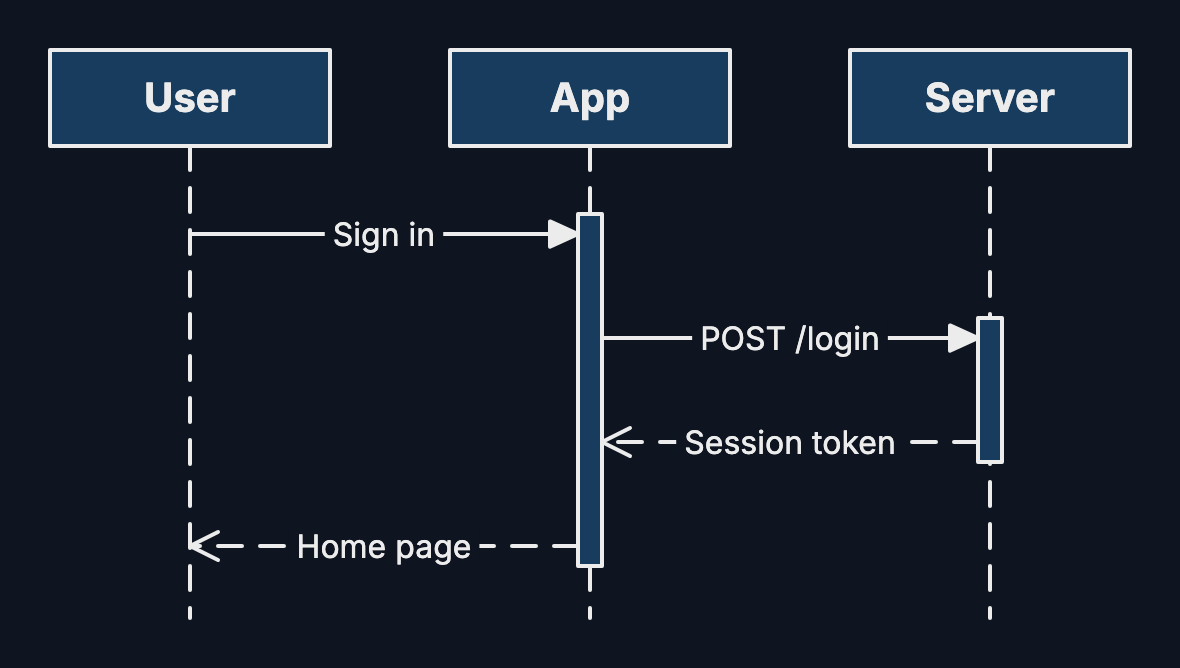
Step by step
-
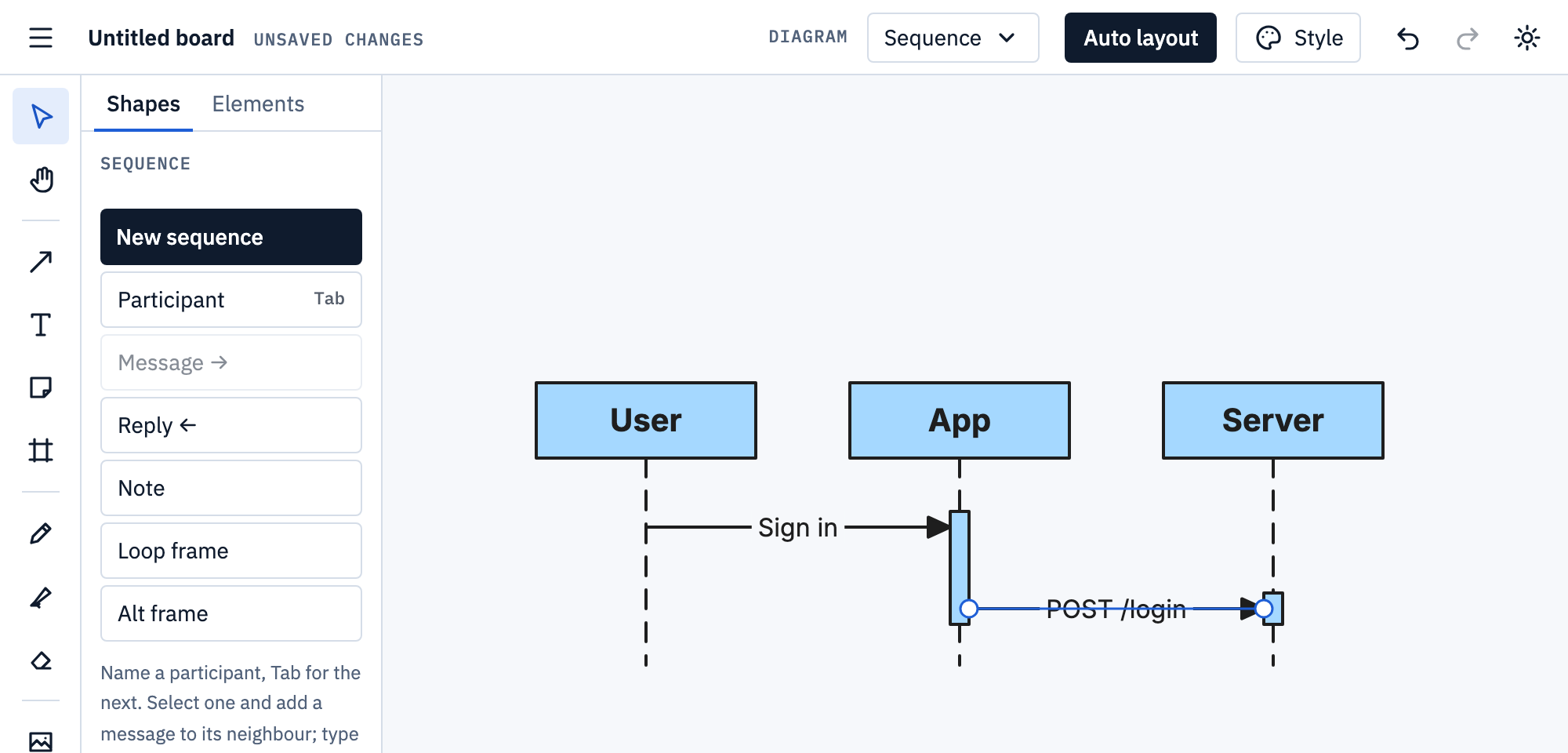
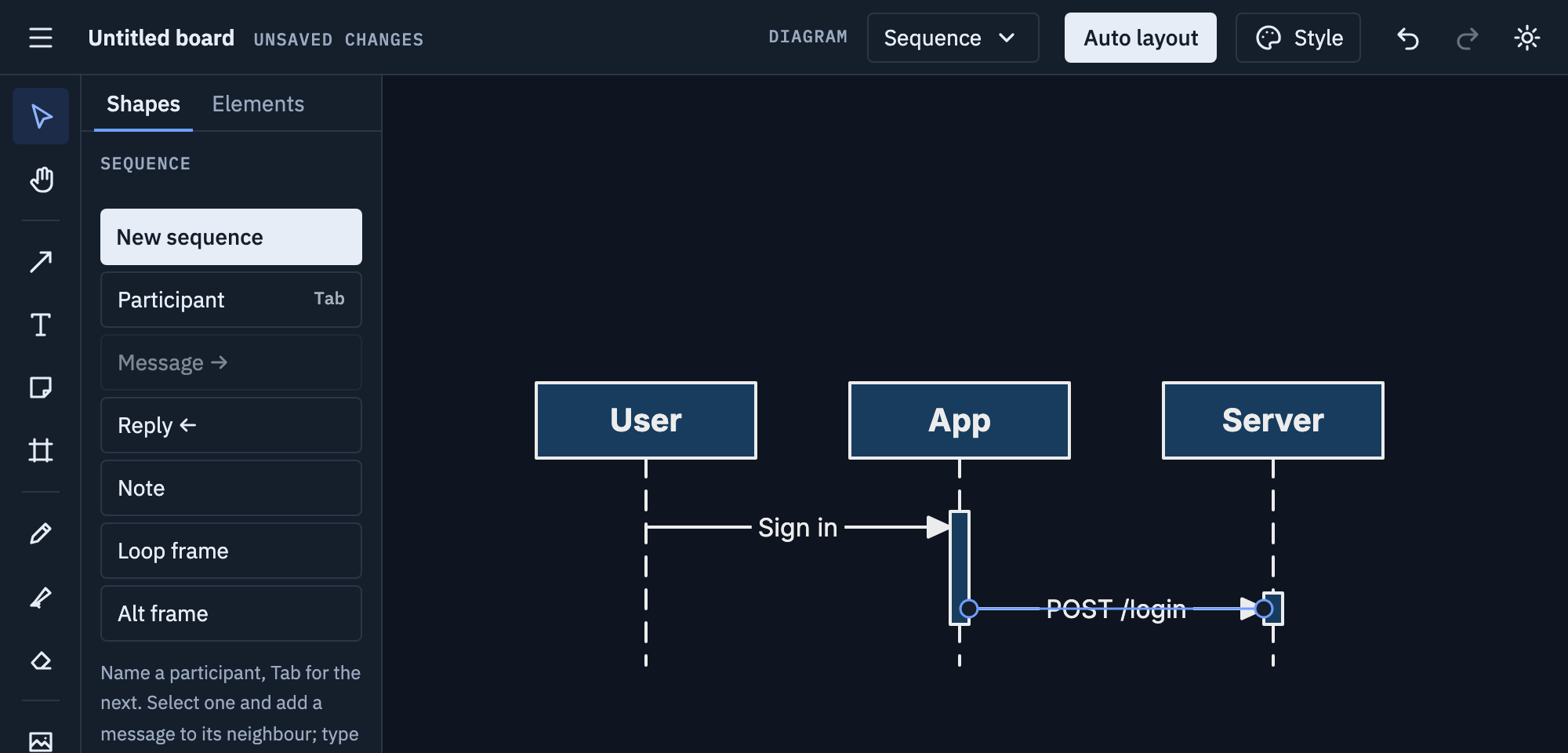
Pick Sequence from the Diagram menu and choose New sequence. Name the first participant, then press Tab for each next one.
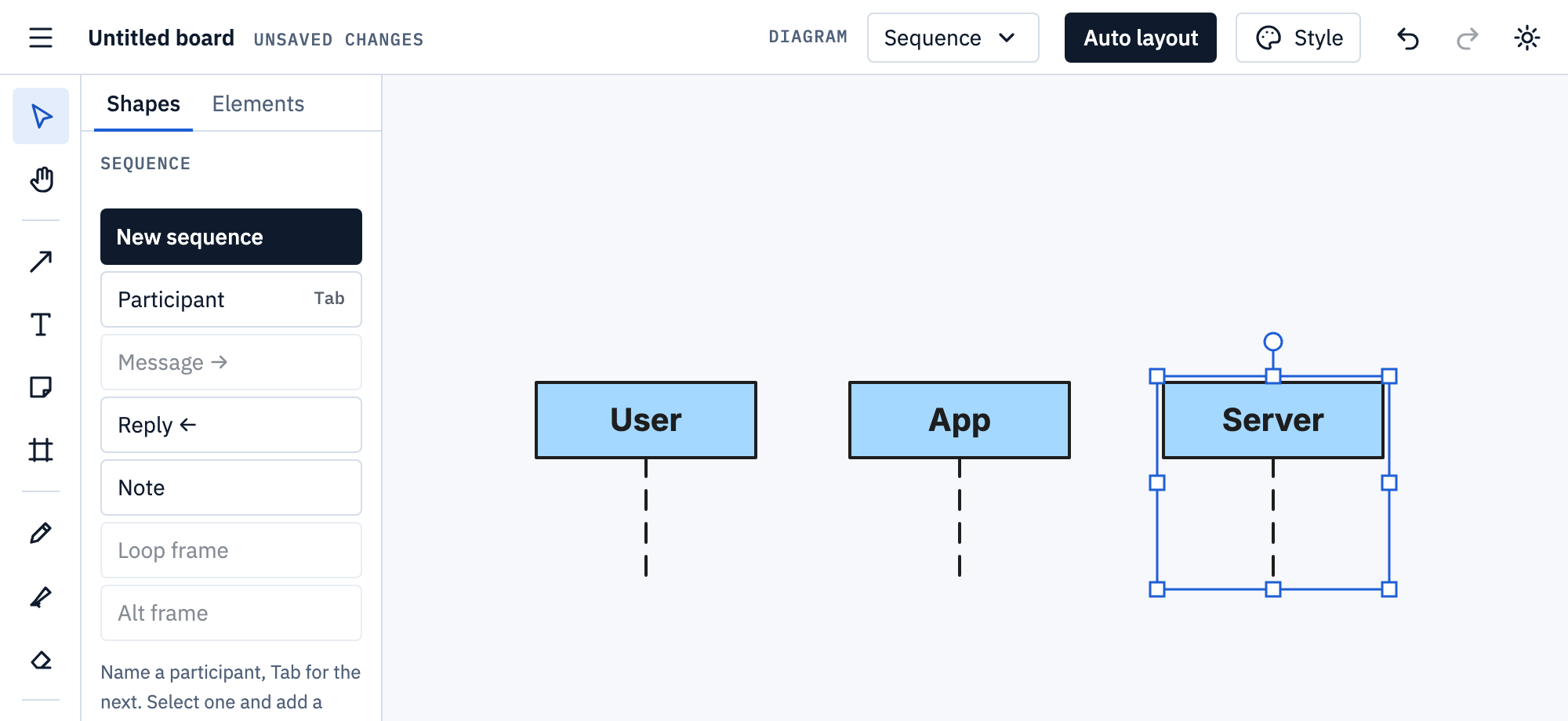
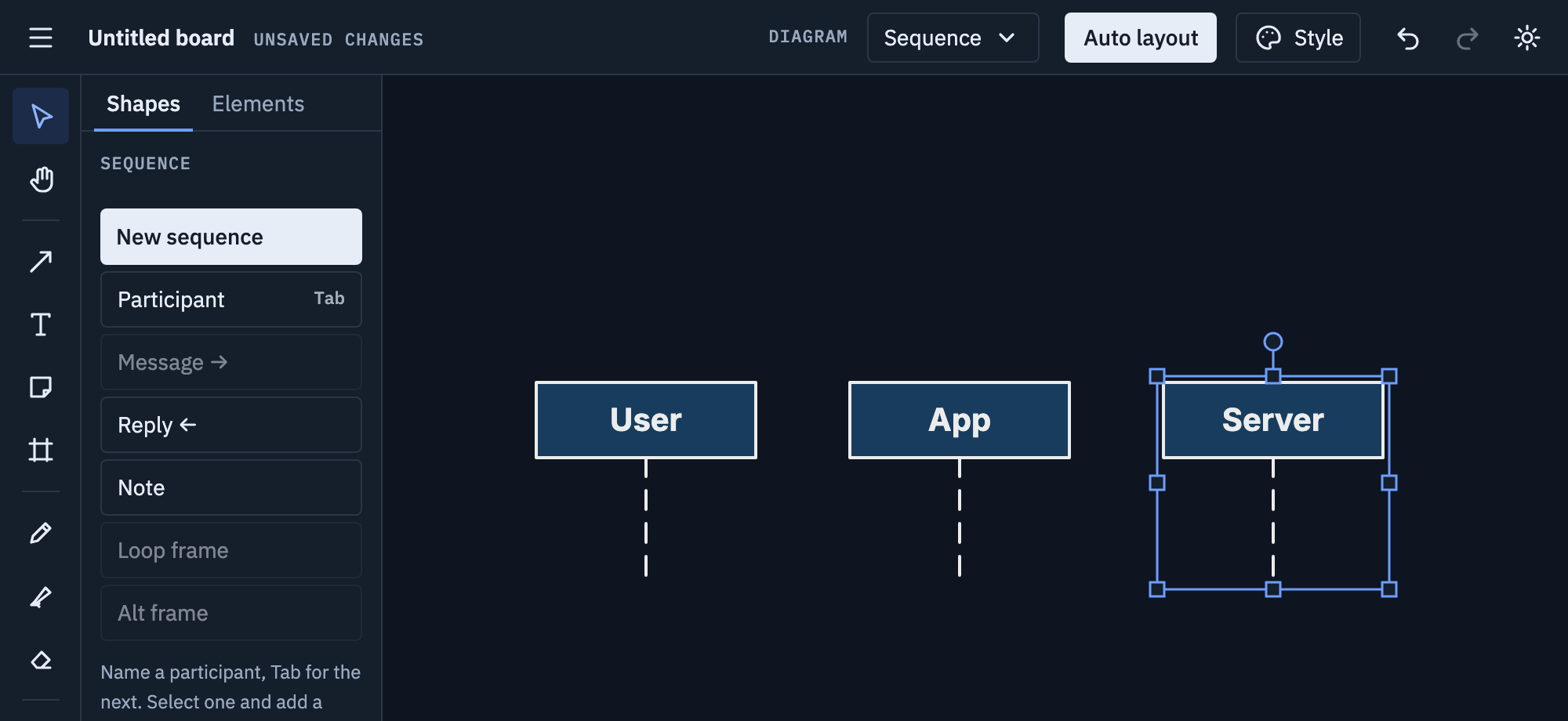
-
Select a participant ([ and ] move between them) and click Message →: a message to its neighbour, ready for its label. Enter adds the next message.
-
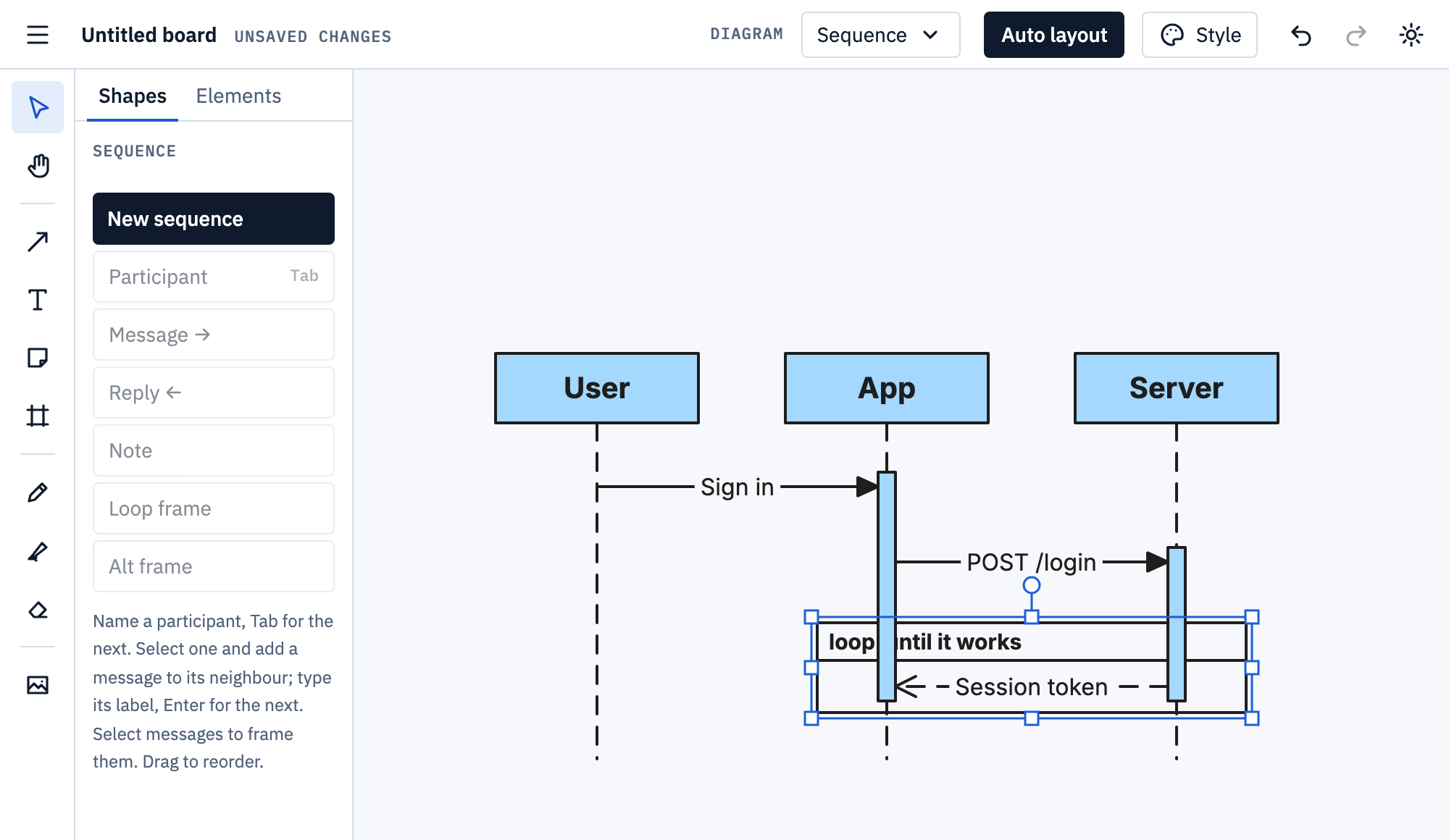
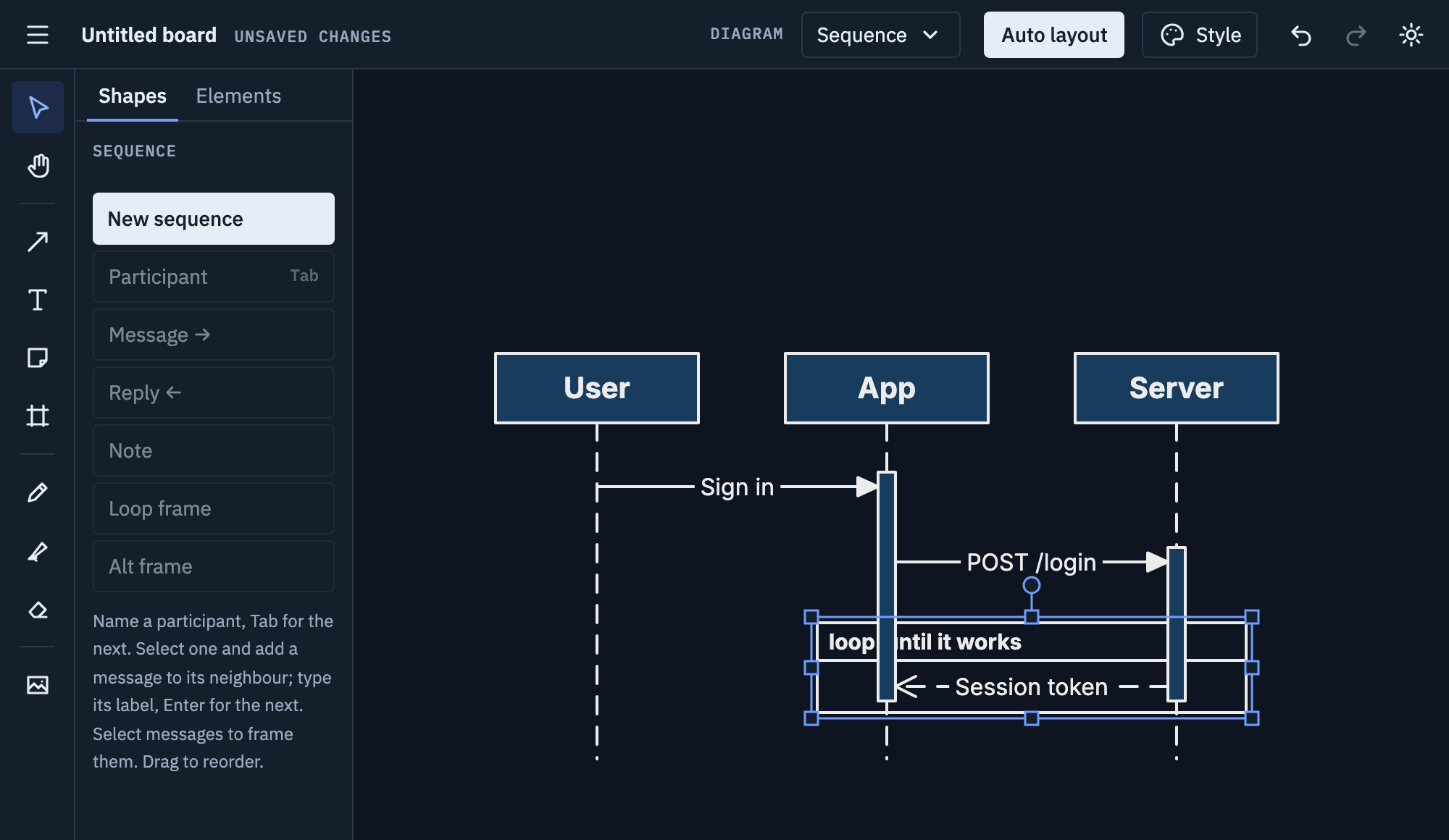
Click Reply ← for an answer going back. Select messages and add a Loop frame or Alt frame around them, then type its condition.
Tips
- Put the participant that starts things on the left.
- Label calls with what they ask for (“GET /orders”), replies with what comes back.
- Drag a message up or down to reorder it; the diagram re-flows.
Mermaid
Paste this onto the board, or use Board menu → Import Mermaid…; Export Mermaid… writes a board back as text.
sequenceDiagram
  participant U as User
  U->>App: Sign in
  loop until it works
    App->>Server: POST /login
    Server-->>App: Session token
  end
  App-->>U: Home page
->> is a call, -->> a reply, -) an async
message. Note over adds a note. loop, alt,
opt, par, critical and break blocks
become frames. More on Mermaid import and export.