How to make an org chart
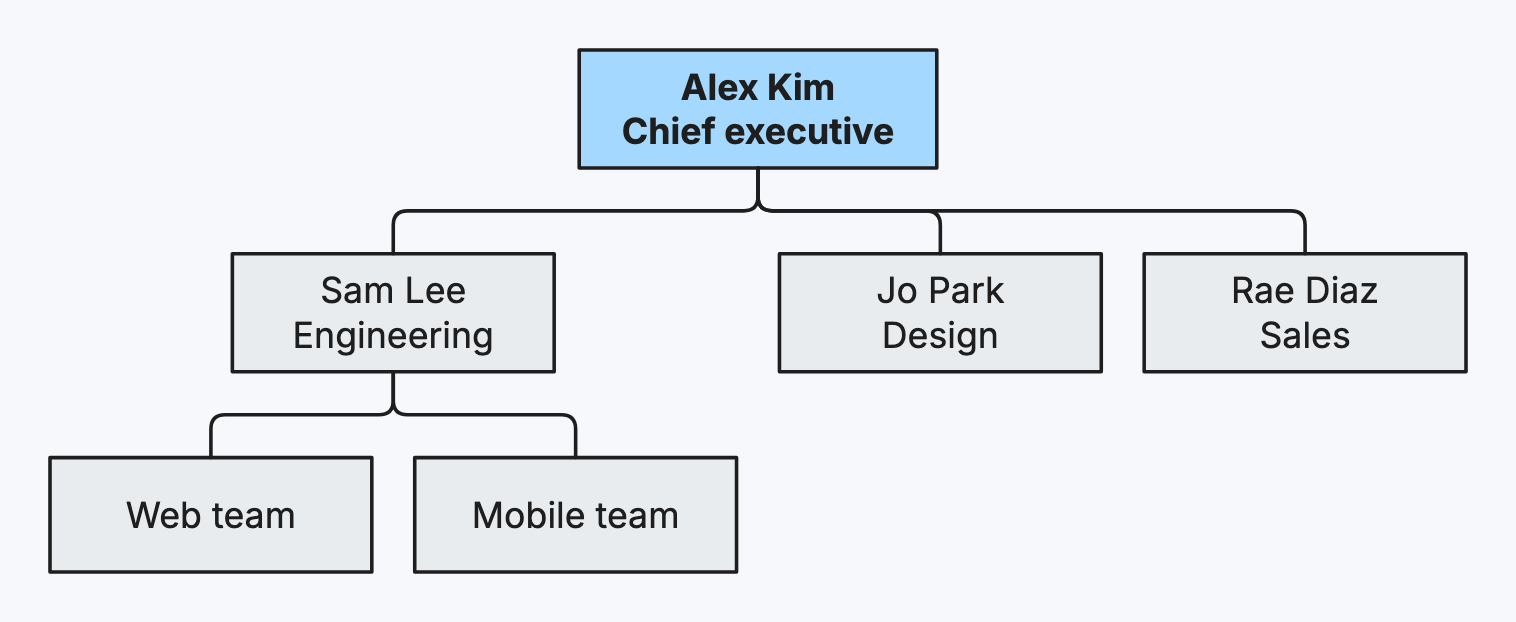
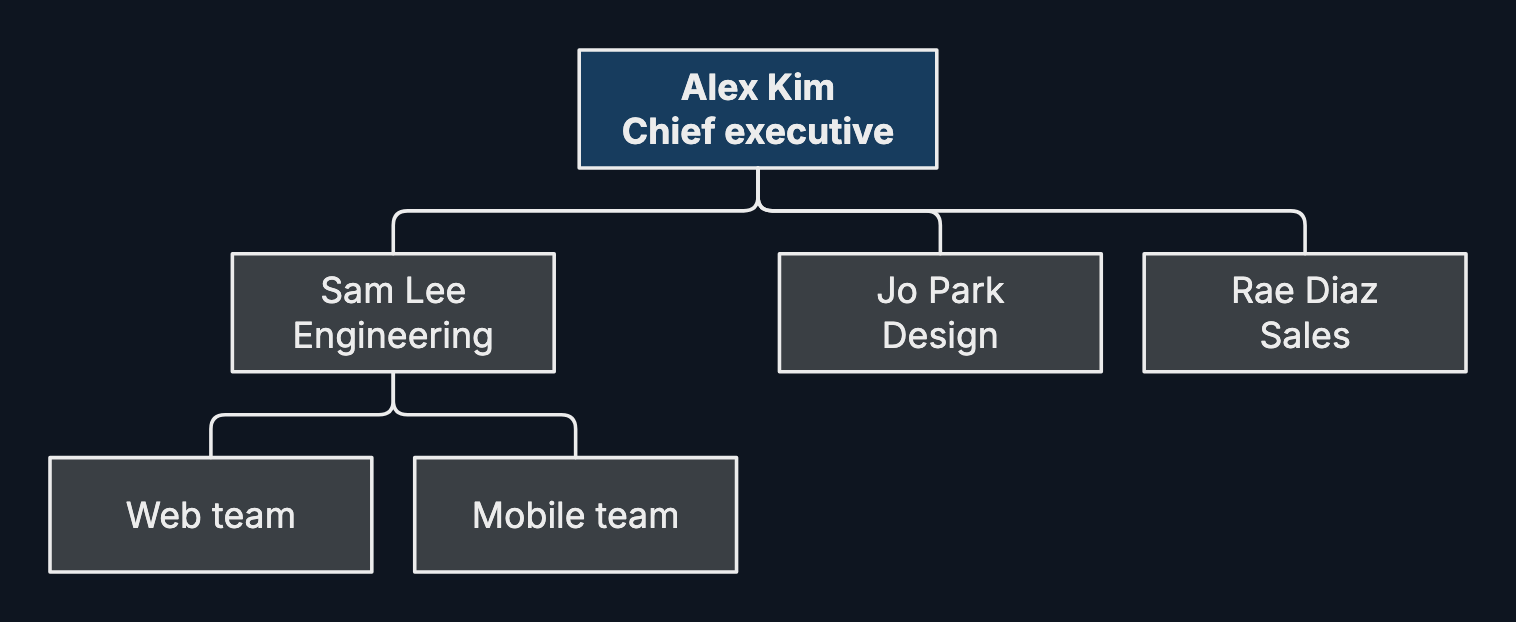
An org chart shows who reports to whom: a team, a company, or a project’s roles.
Step by step
-
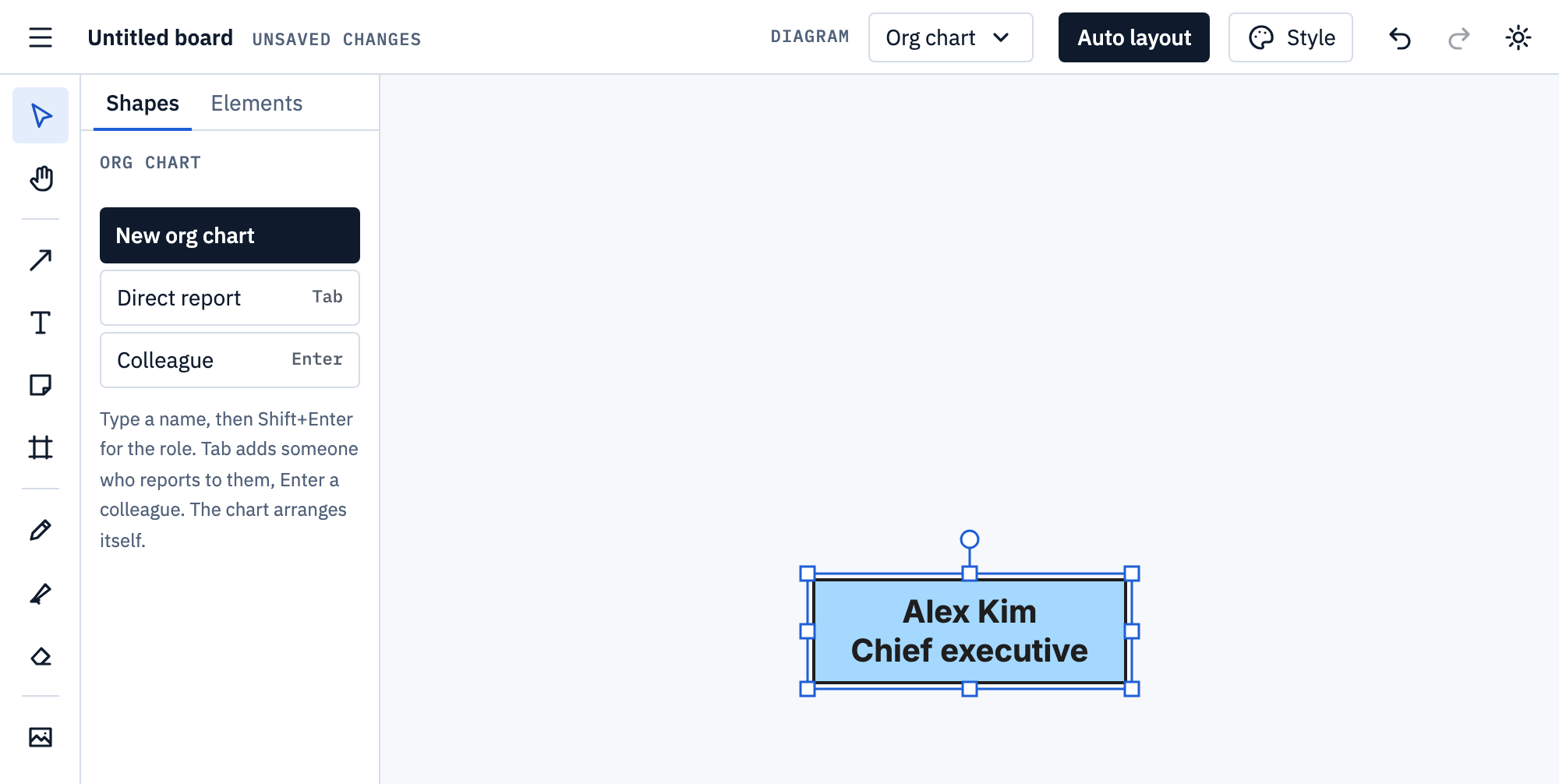
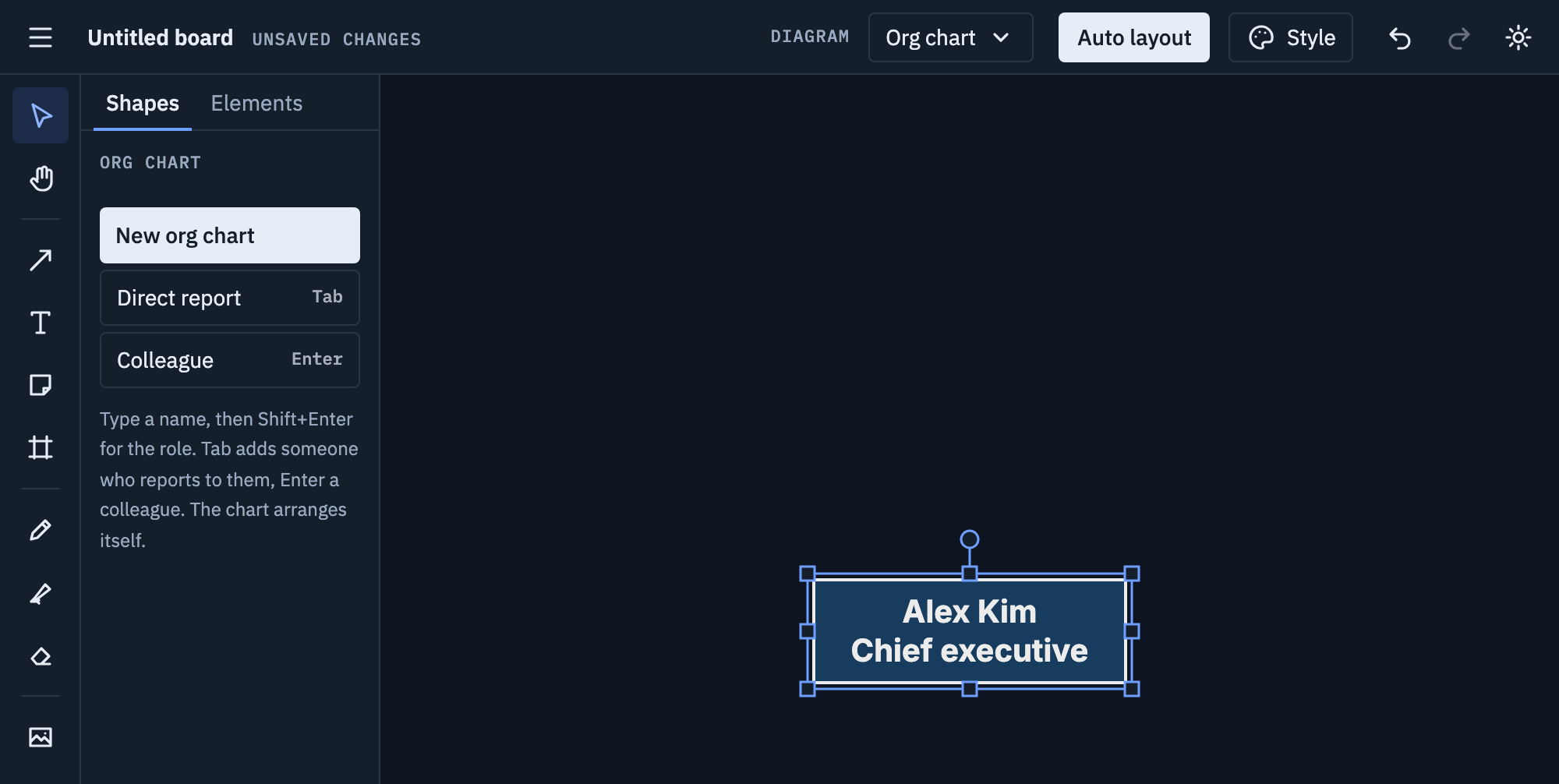
Pick Org chart from the Diagram menu and choose New org chart. Type a name, press Shift+Enter, and type the role.
-
Tab adds someone who reports to the selected person; Enter adds a colleague beside them.
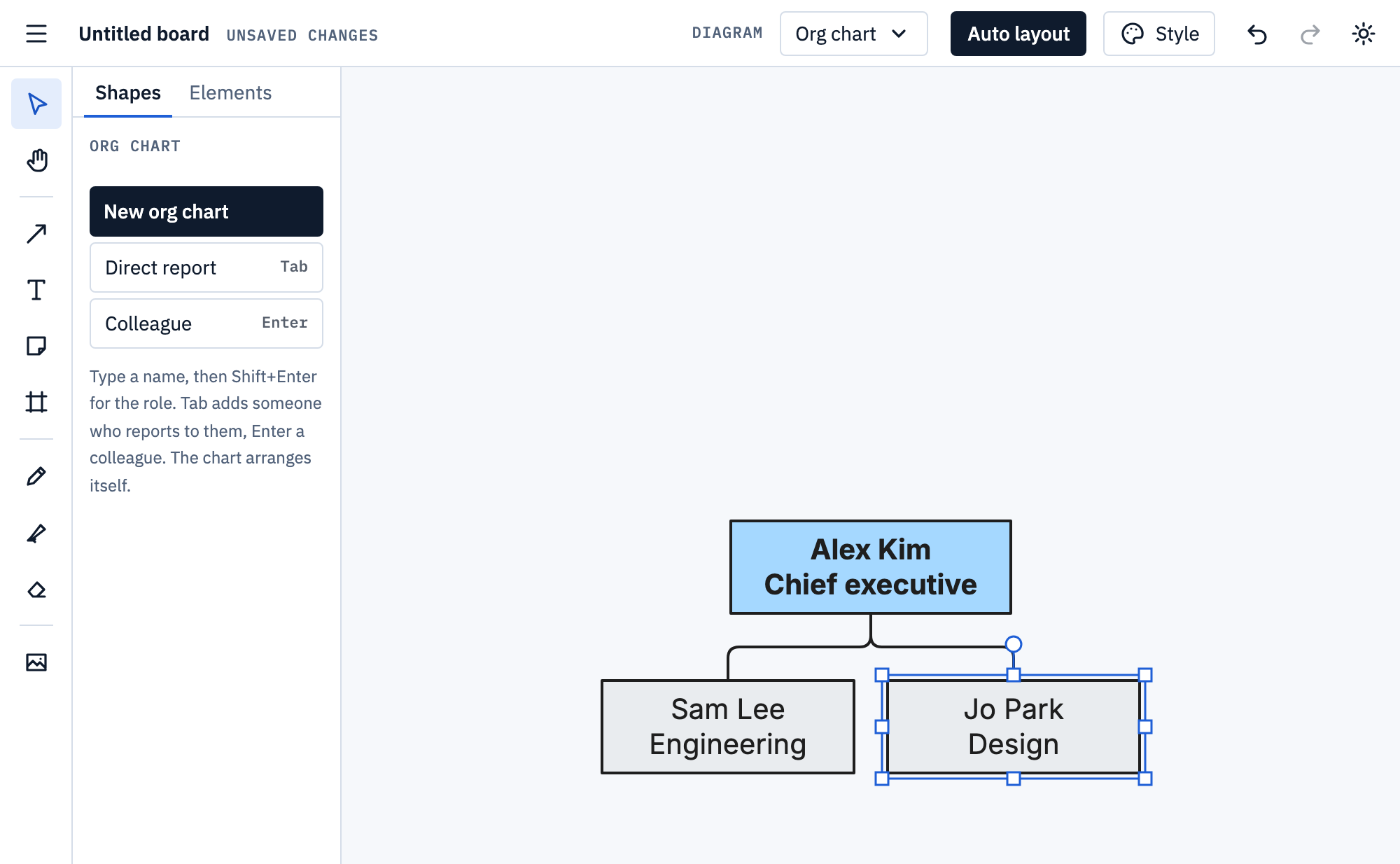
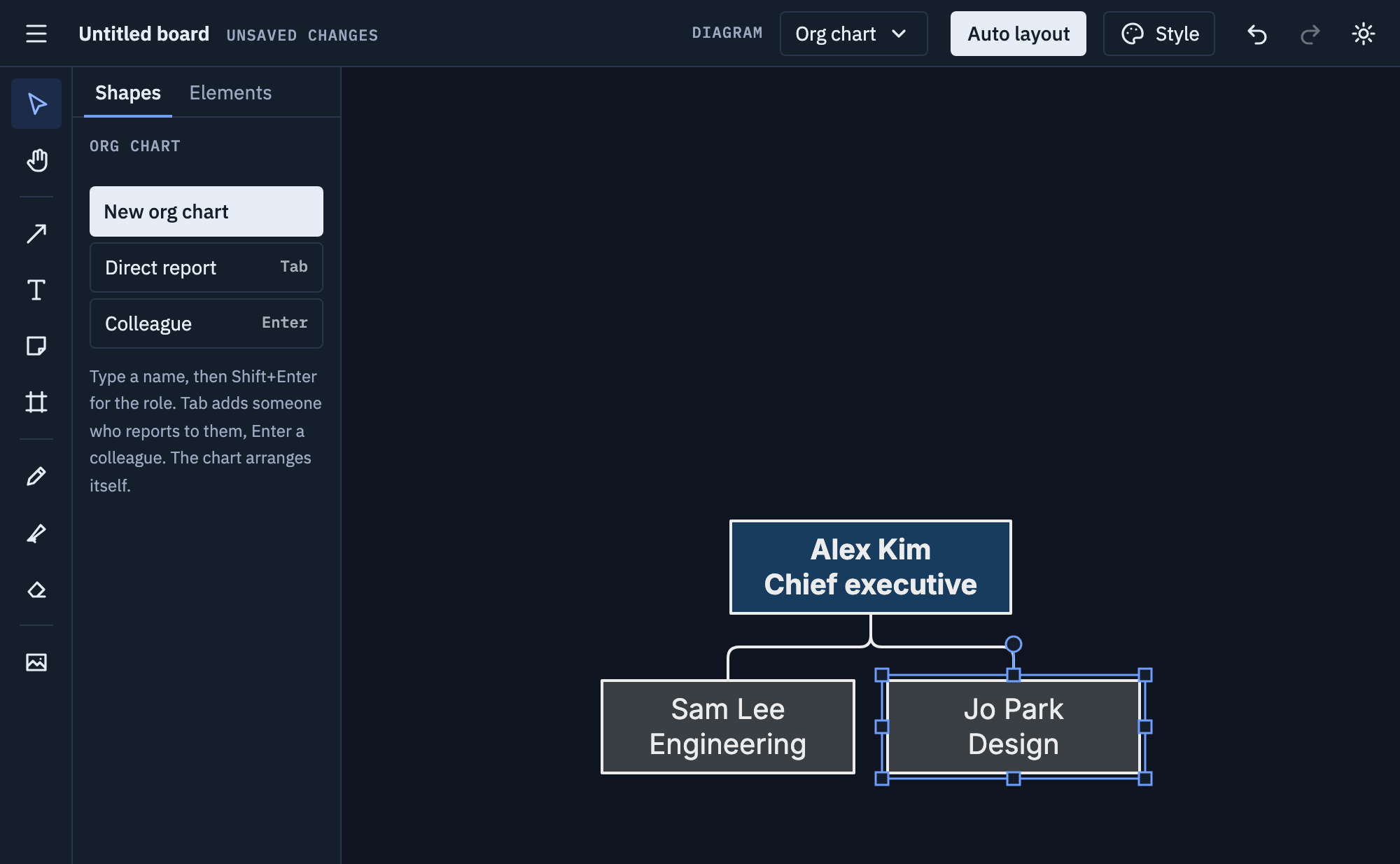
-
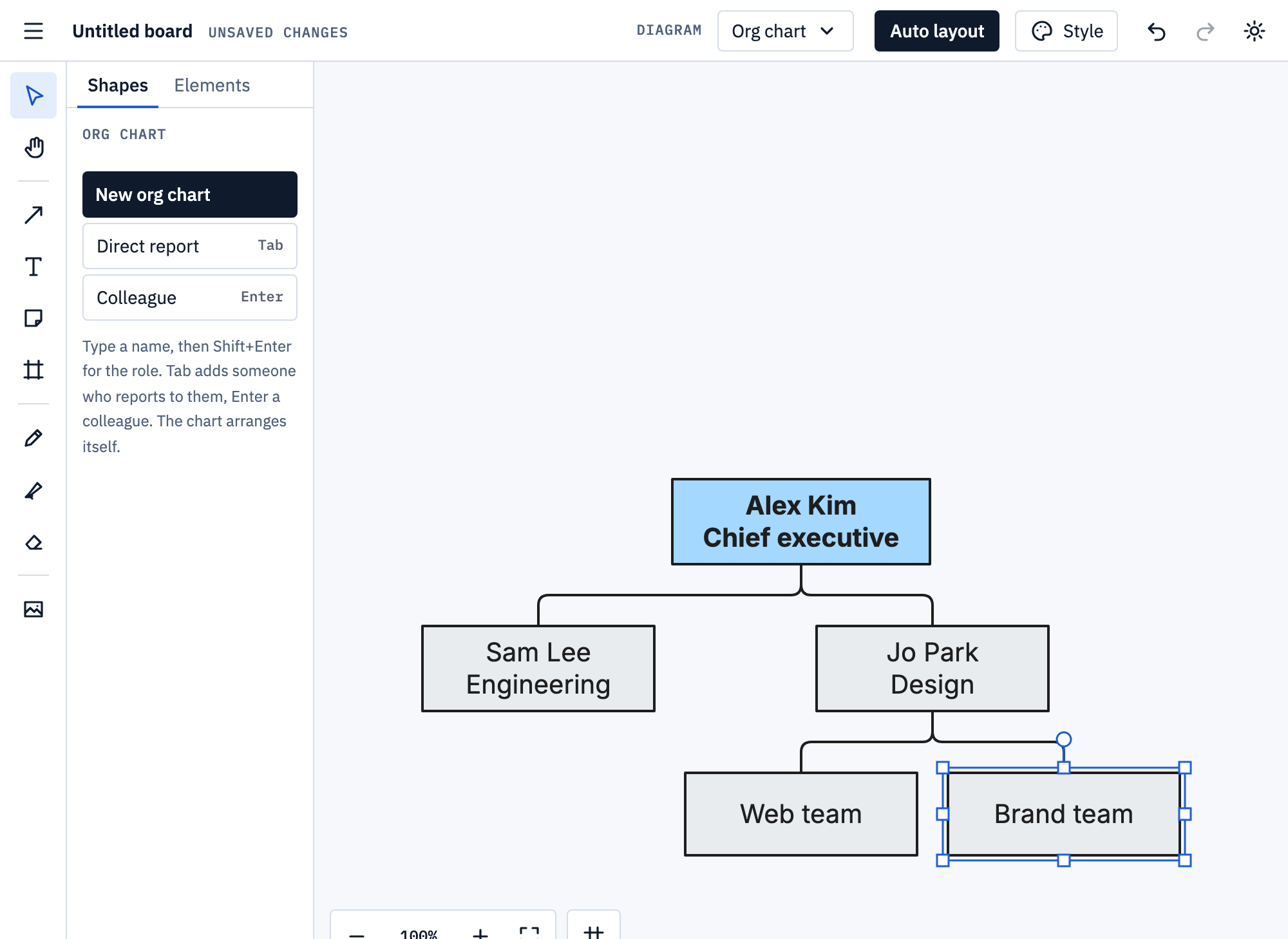
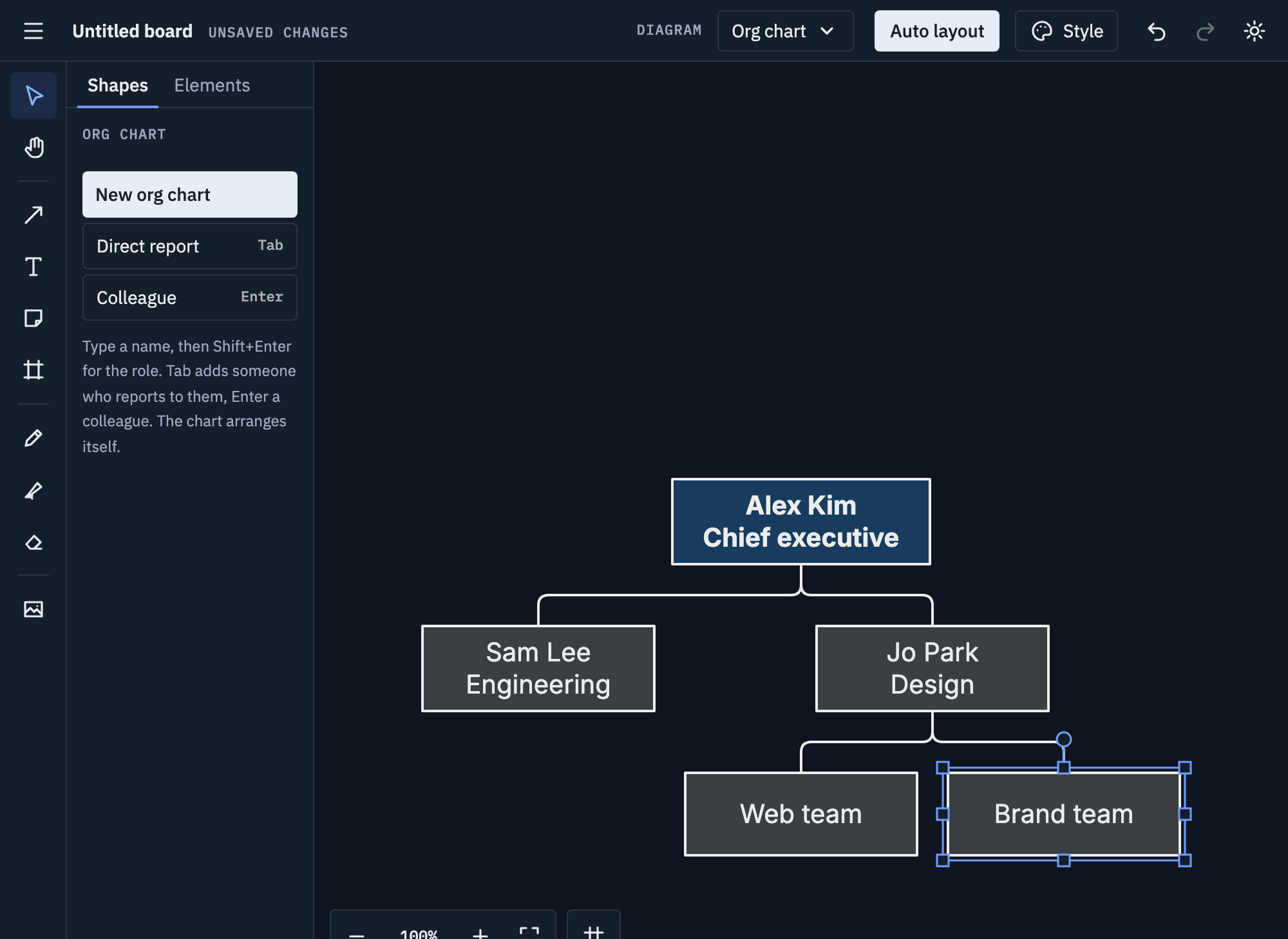
Select anyone and press Tab for their own team. The chart arranges itself, however big it gets.
Tips
- Put the role on the second line, so names line up.
- For a large organisation, draw one chart per department and link them in frames.
Mermaid
Mermaid has no org chart; one exports as a top-down flowchart. More on
Mermaid import and export.