How to make a mind map
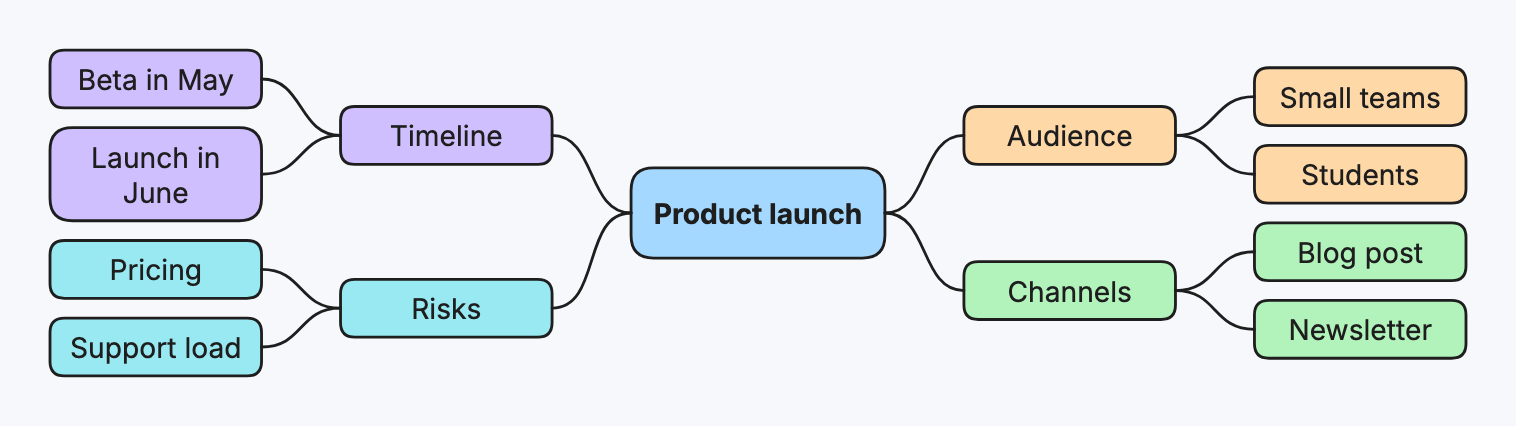
A mind map puts one topic in the middle and branches ideas out from it. Make one to brainstorm, plan, or take notes on something with many parts.
Step by step
-
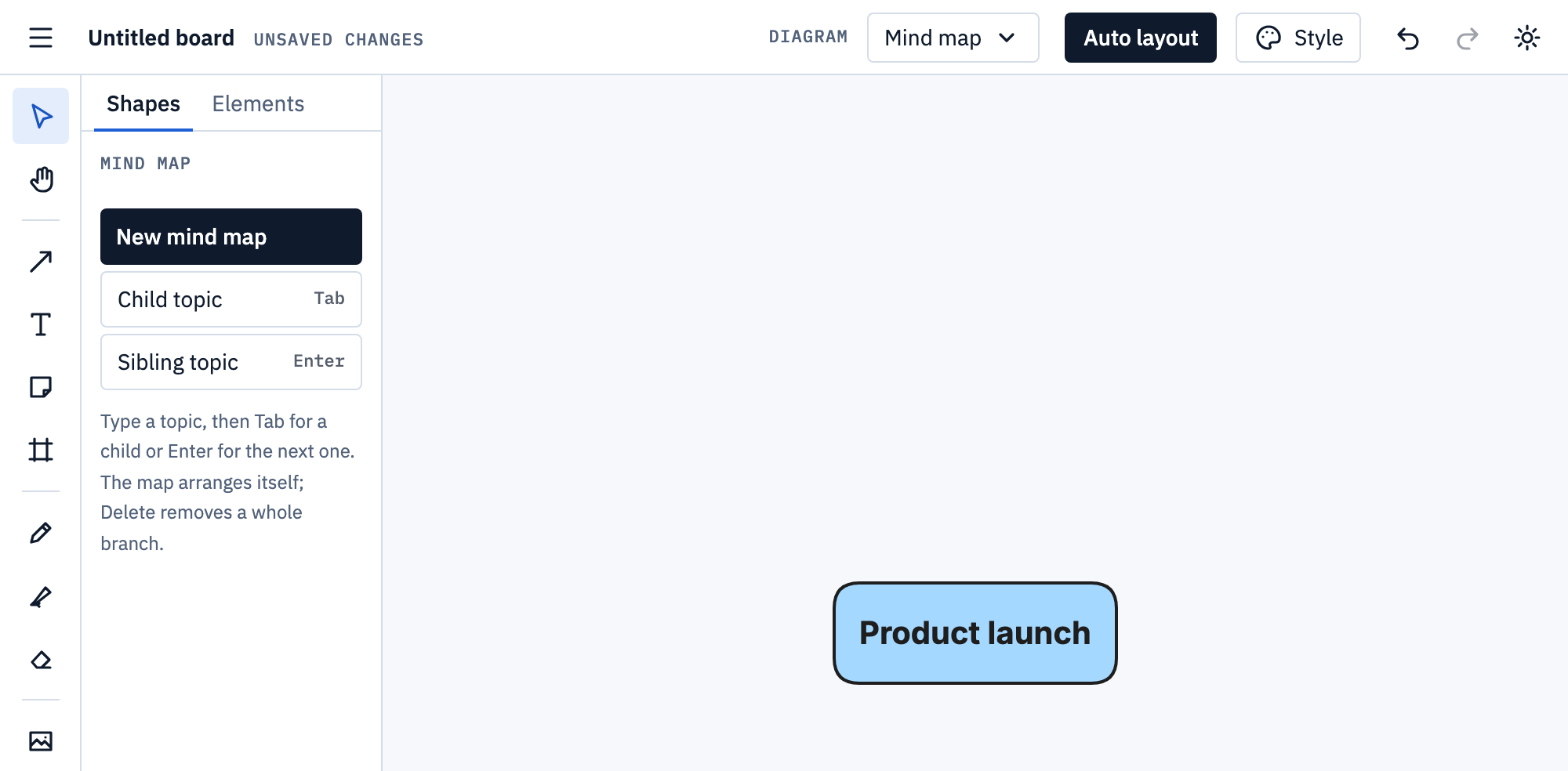
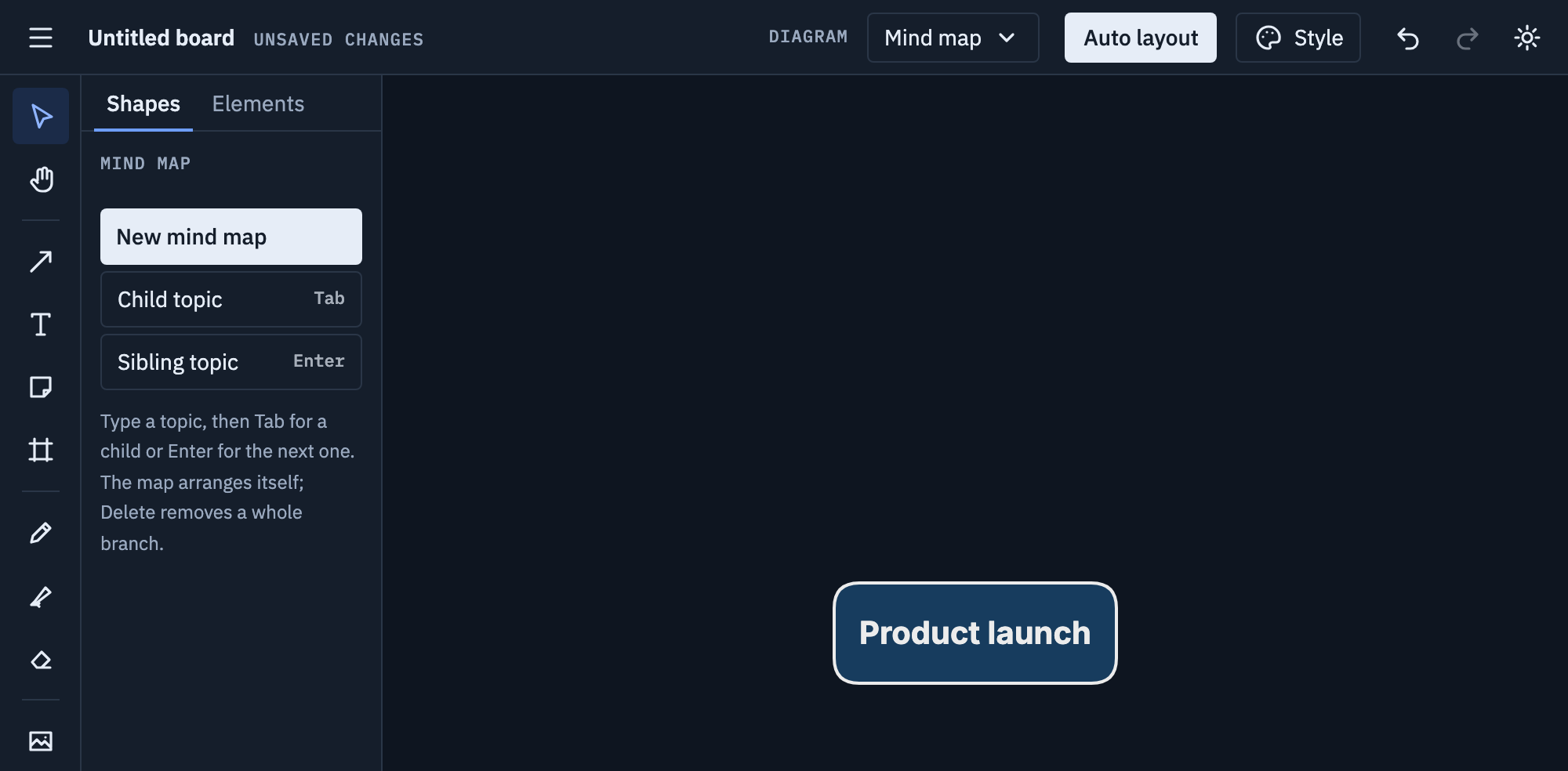
Pick Mind map from the Diagram menu, choose New mind map and type the central topic.
-
Press Tab for a first branch, then Enter for each next one beside it. The map arranges itself as you type.
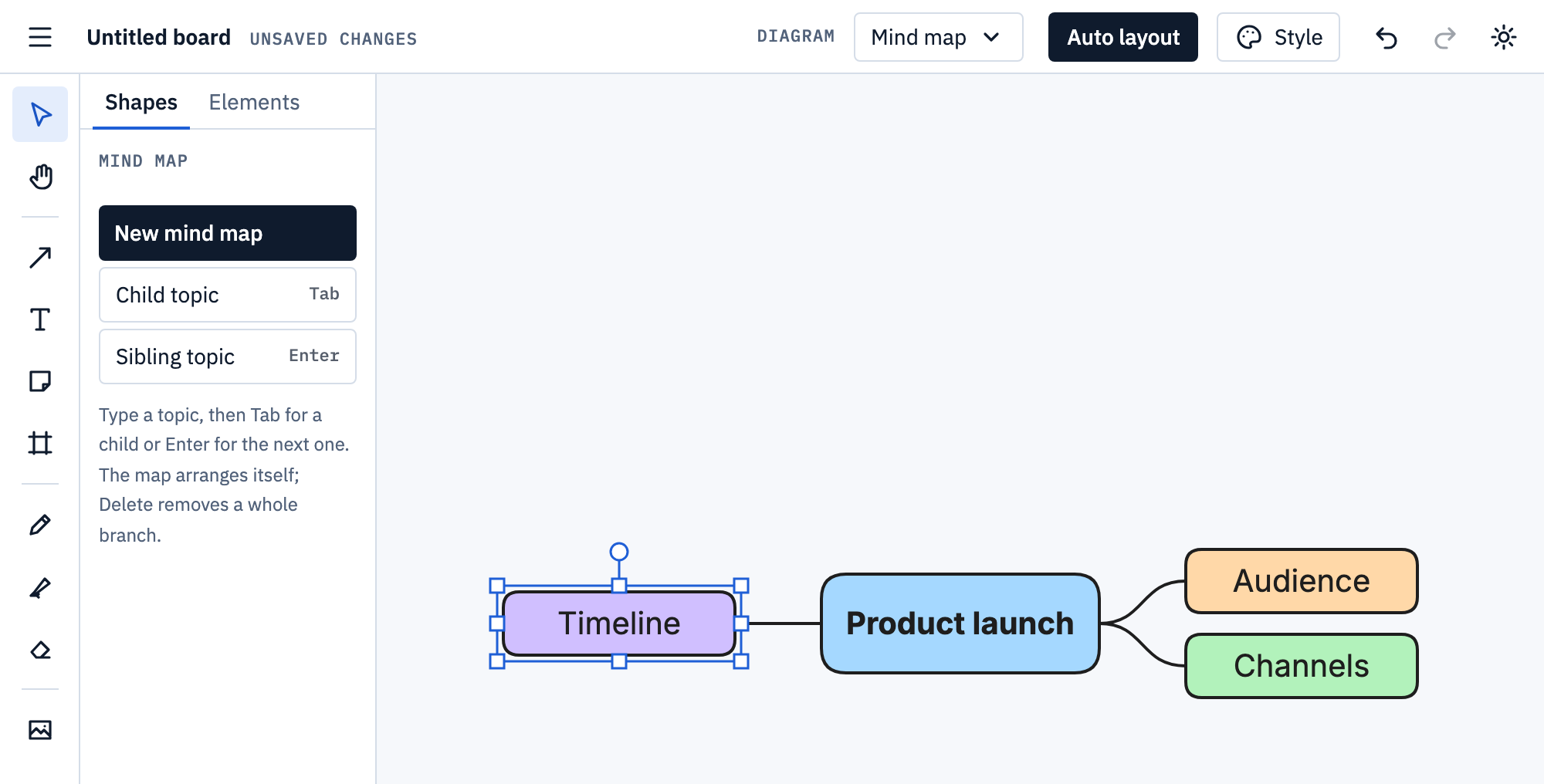
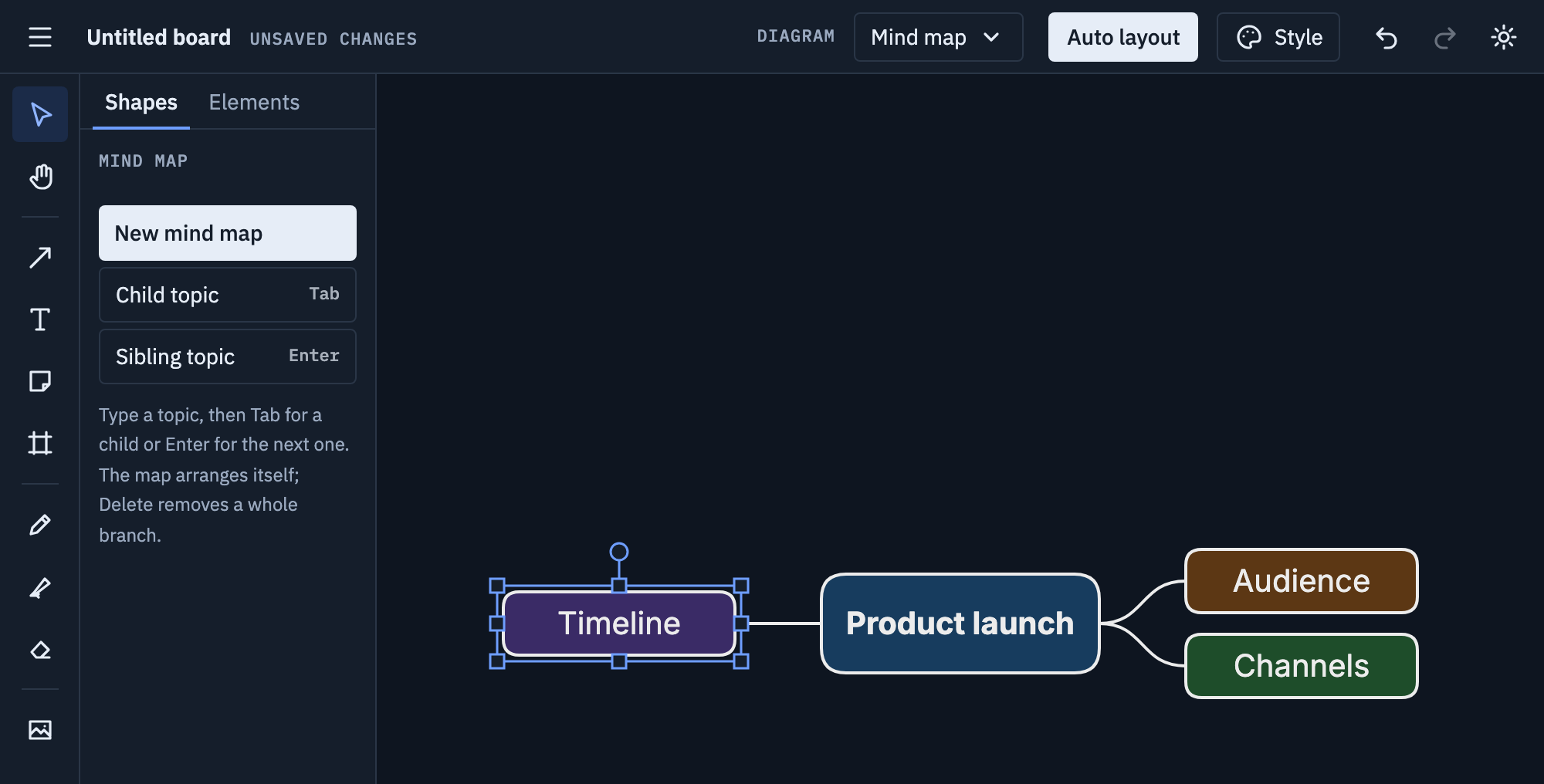
-
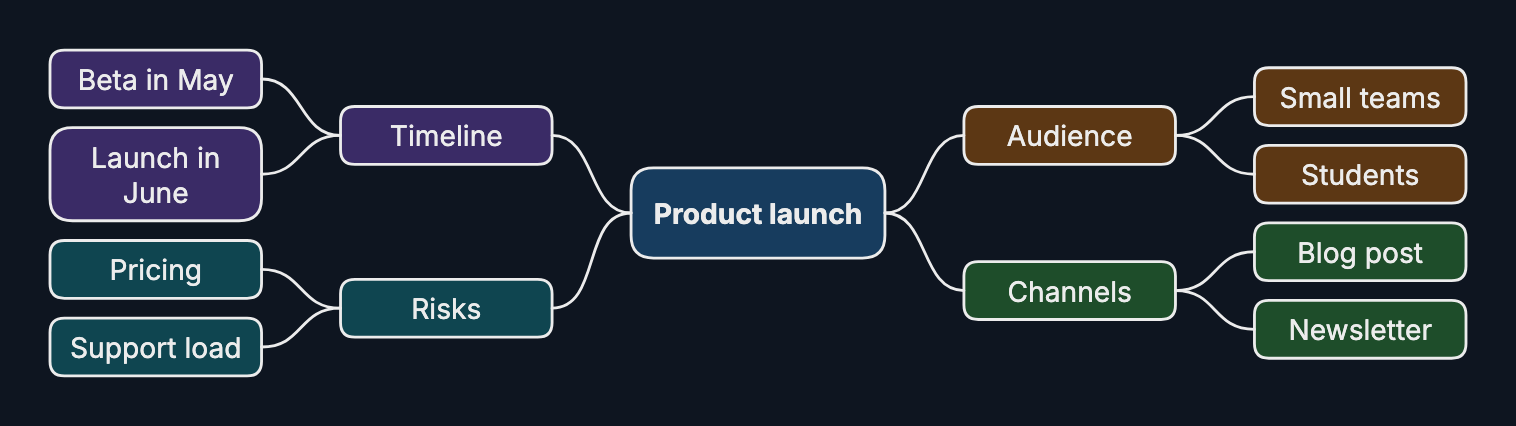
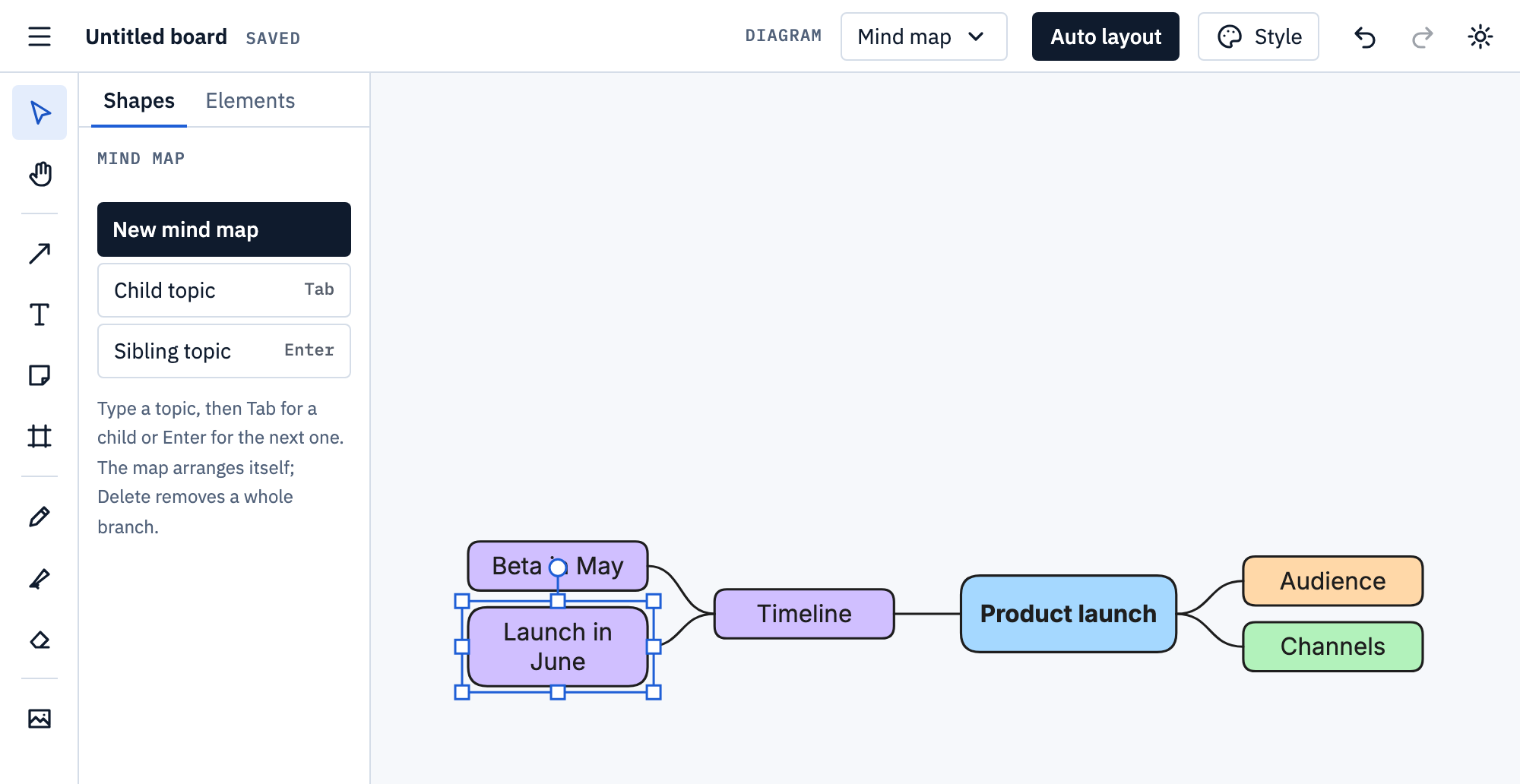
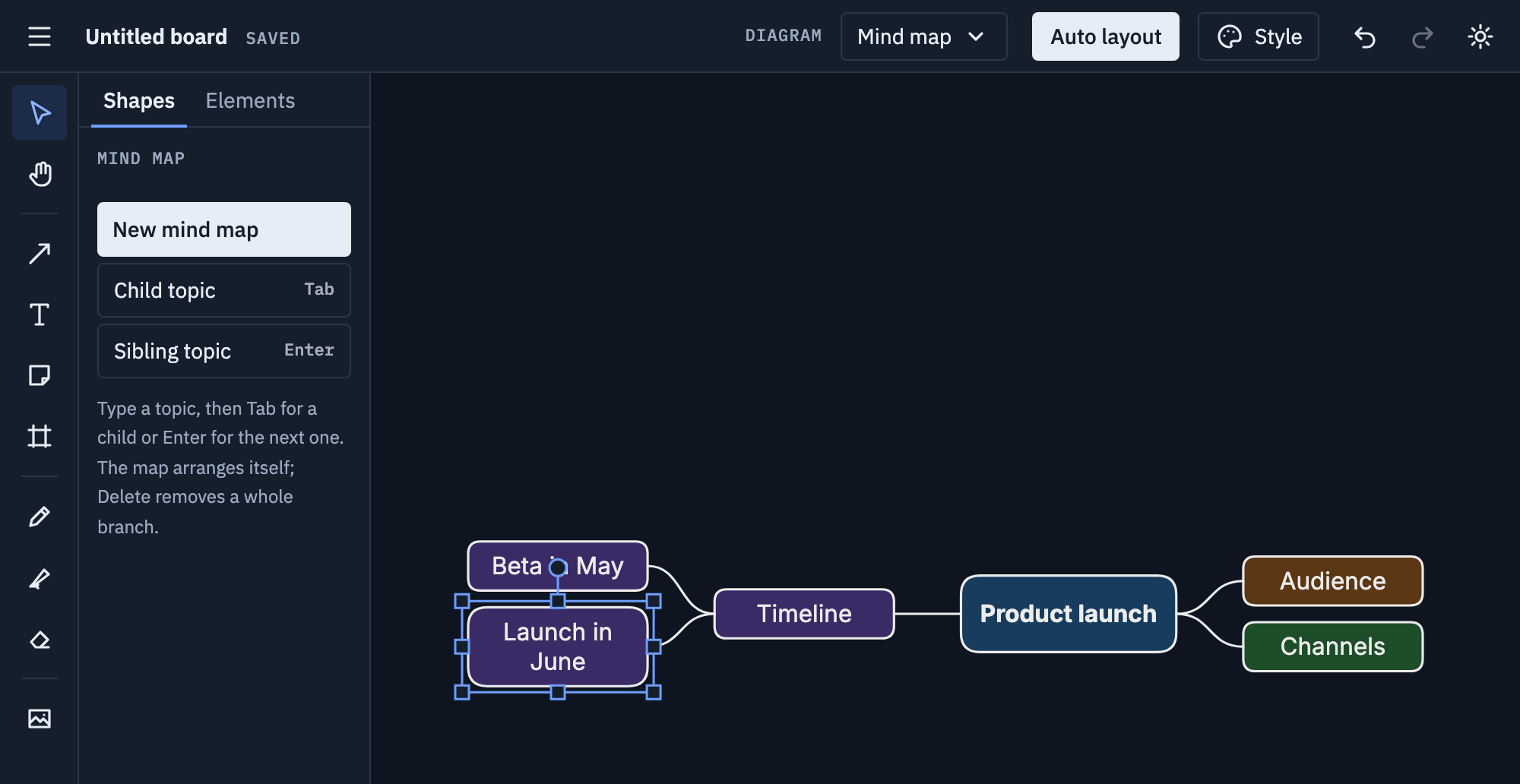
Select any topic and press Tab for its own sub-topics. Each branch keeps its colour; Delete removes a topic with everything under it.
Tips
- Use a word or a short phrase per topic, not sentences.
- Four to seven main branches read best; group the rest under them.
- Go wide before going deep: name all the main branches first.
Mermaid
Paste this onto the board, or use Board menu → Import Mermaid…; Export Mermaid… writes a board back as text.
mindmap
  Product launch
    Audience
      Small teams
      Students
    Channels
    Timeline
Topics nest by indentation under one root. Mermaid’s node shapes and icons aren’t imported: the map has its own look. More on Mermaid import and export.