Diagram guide
Which diagram to draw, and how to draw it well
A diagram is worth drawing when it answers one question at a glance. Pick the kind that fits your question, keep it to what that question needs, and let the layout do the tidying.
Choosing a diagram
| If your question is… | Draw a… |
|---|---|
| What are the steps, and where does it branch? | Flowchart |
| Who does each step, and where does the work change hands? | Swimlane diagram |
| What’s waiting, what’s under way, and what’s done? Or: how did it go? | Kanban board or retro |
| What are all the ideas around one topic? | Mind map |
| Who reports to whom? | Org chart |
| Who sends what to whom, in what order? | Sequence diagram |
| What are the types in this code, and how are they related? | UML class diagram |
| What tables does this database have, and how do they join? | ER diagram |
| What states can this thing be in, and what moves it between them? | State diagram |
| What are the parts of this system, and how do they talk? | Architecture diagram |
Pick the kind from the Diagram menu at the top of the whiteboard: the panel on the left then shows its shapes. A board can mix kinds.
On a phone, the tools are in the bar along the bottom: Shapes opens the shapes, with the diagram kind at the top, and More in the top bar has Auto layout and Style. To type in a shape, tap it twice; the + above a selected shape adds the next one, as Tab does on a keyboard.
Each kind, step by step
-
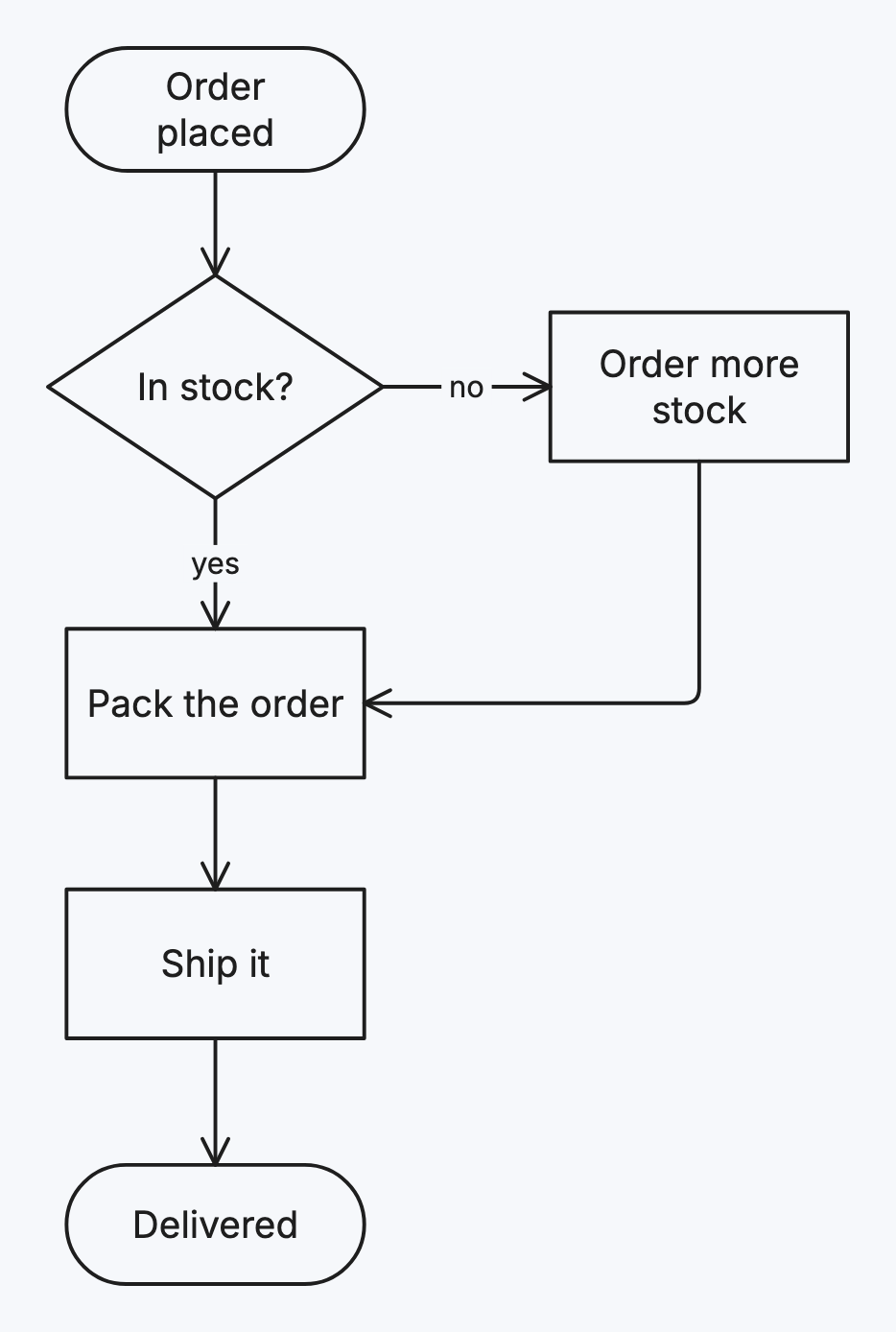
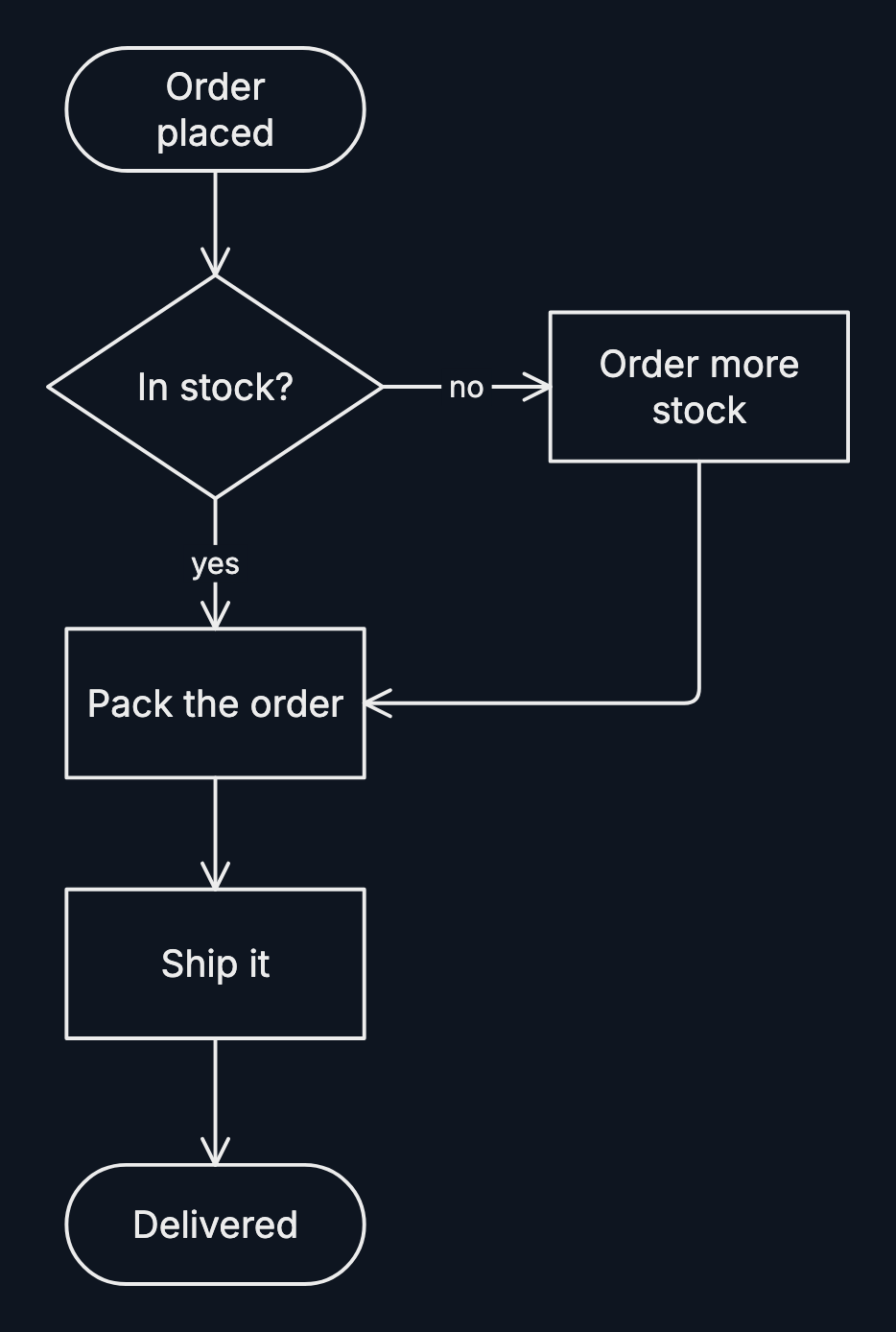
A flowchart shows a process as steps joined by arrows, with decisions where the path splits.
-
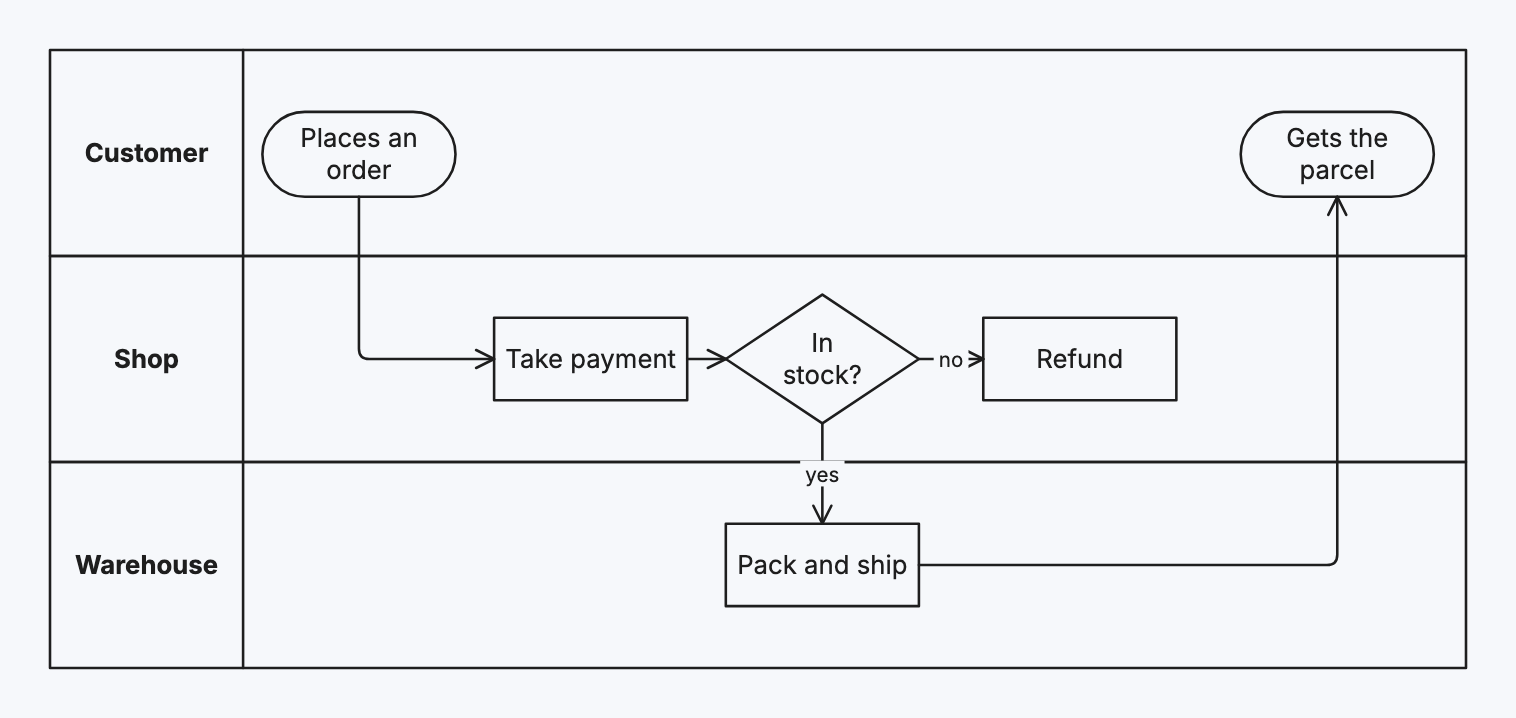
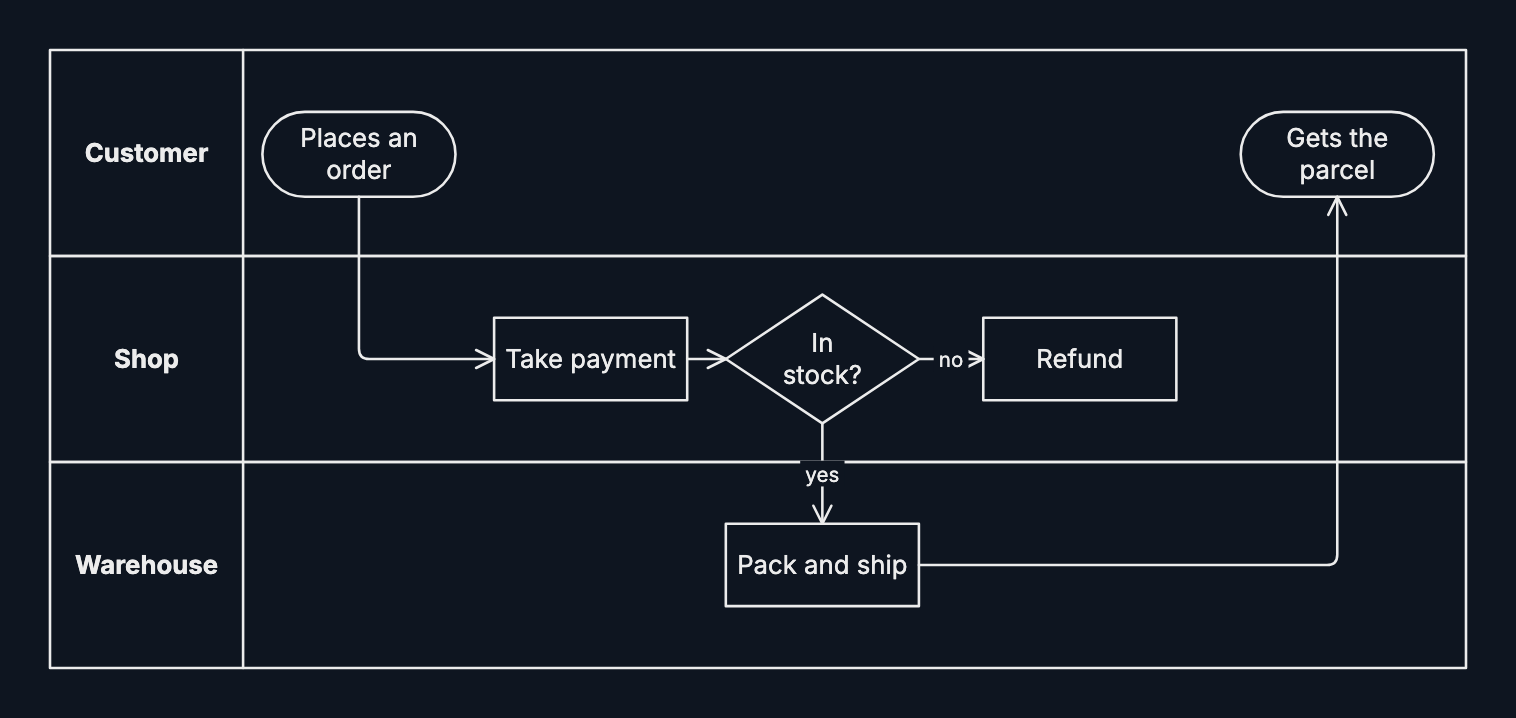
A swimlane diagram is a flowchart in lanes, one per person, team or system, showing who does each step.
-
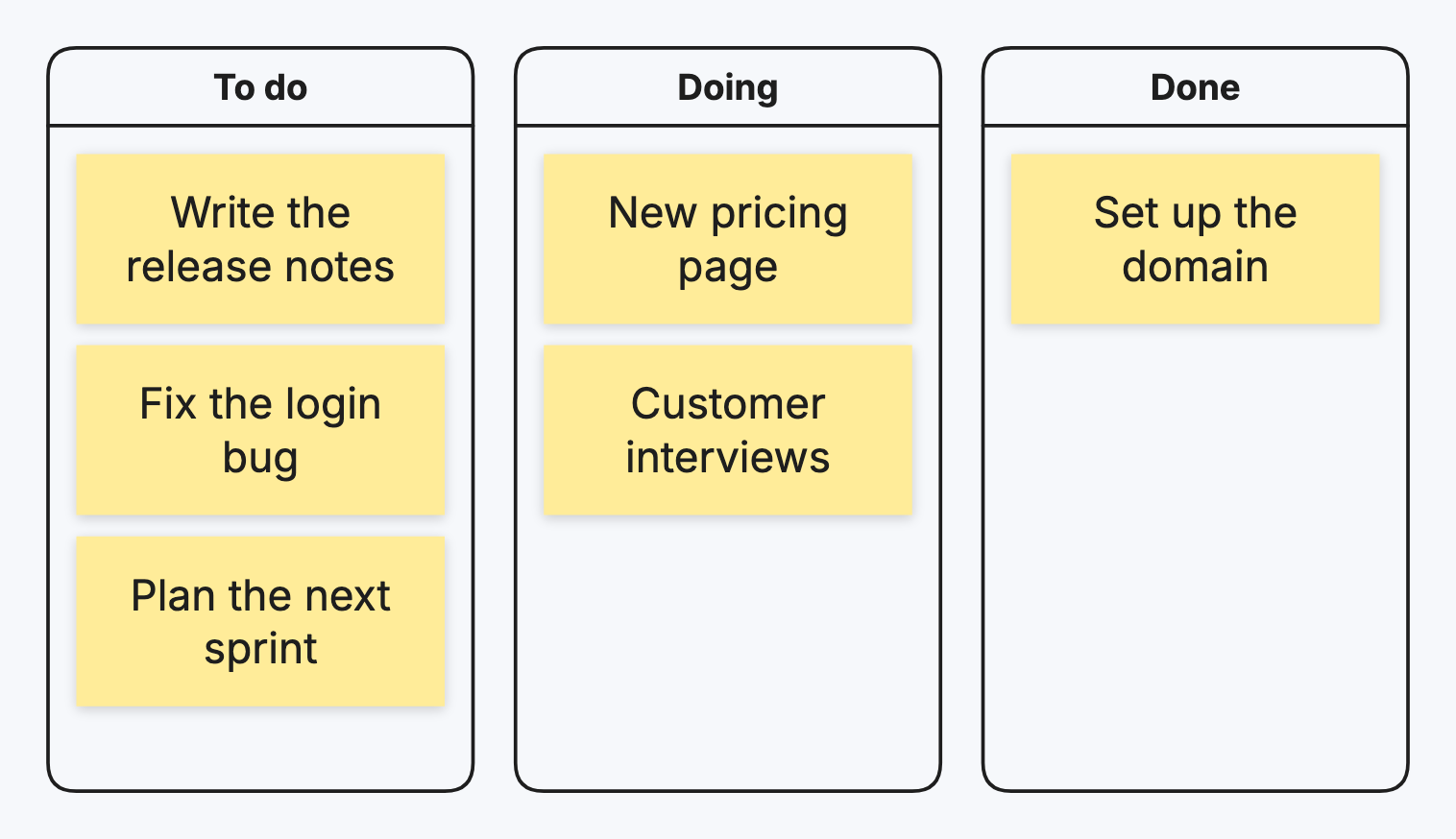
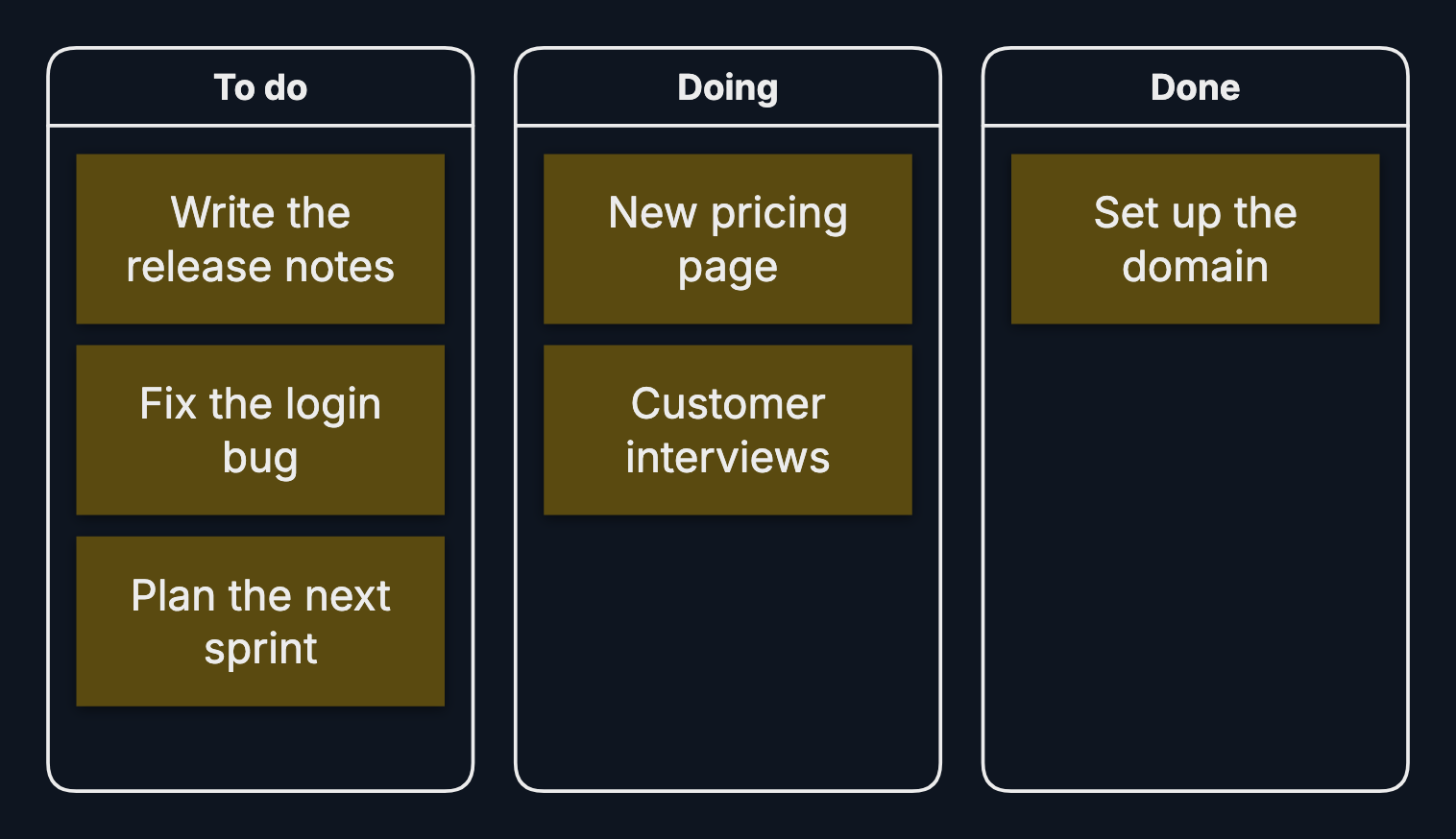
A kanban board shows work as cards moving through columns; a retro collects thoughts in columns, one per question.
-
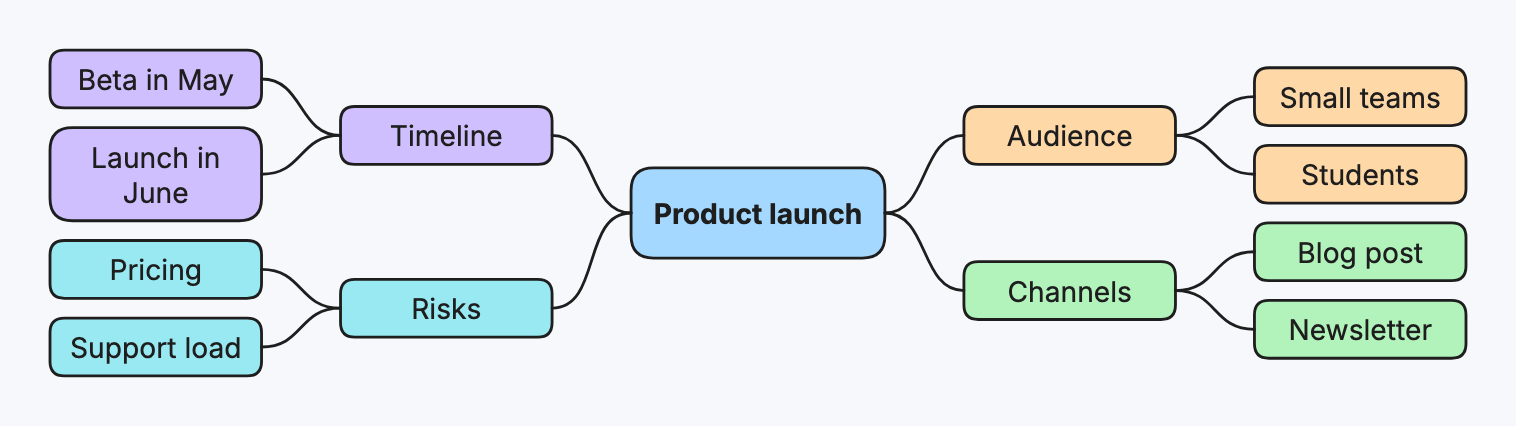
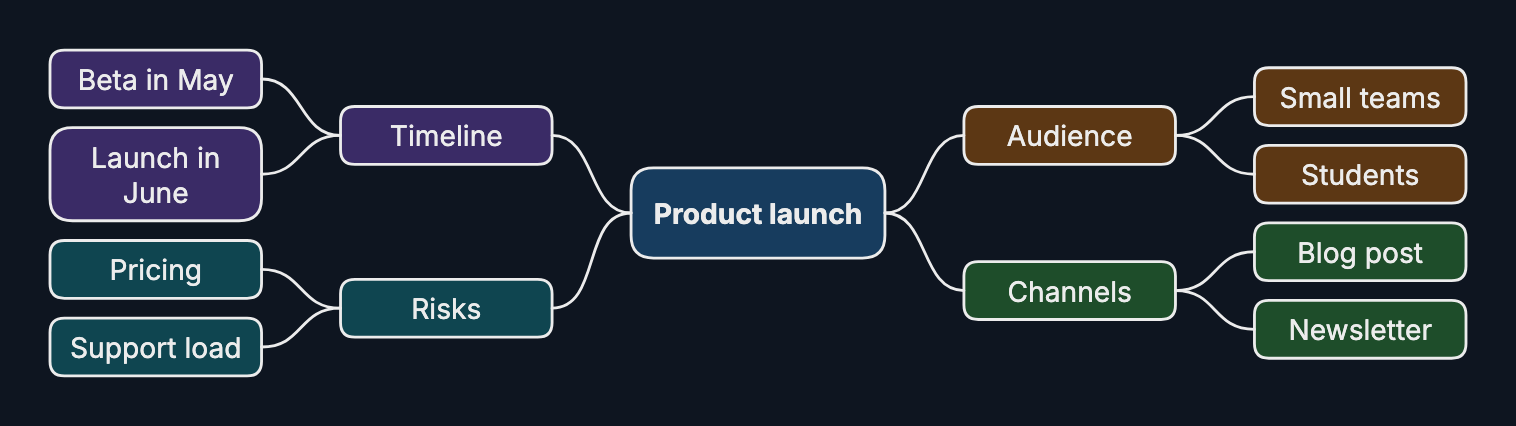
A mind map puts one topic in the middle and branches ideas out from it.
-
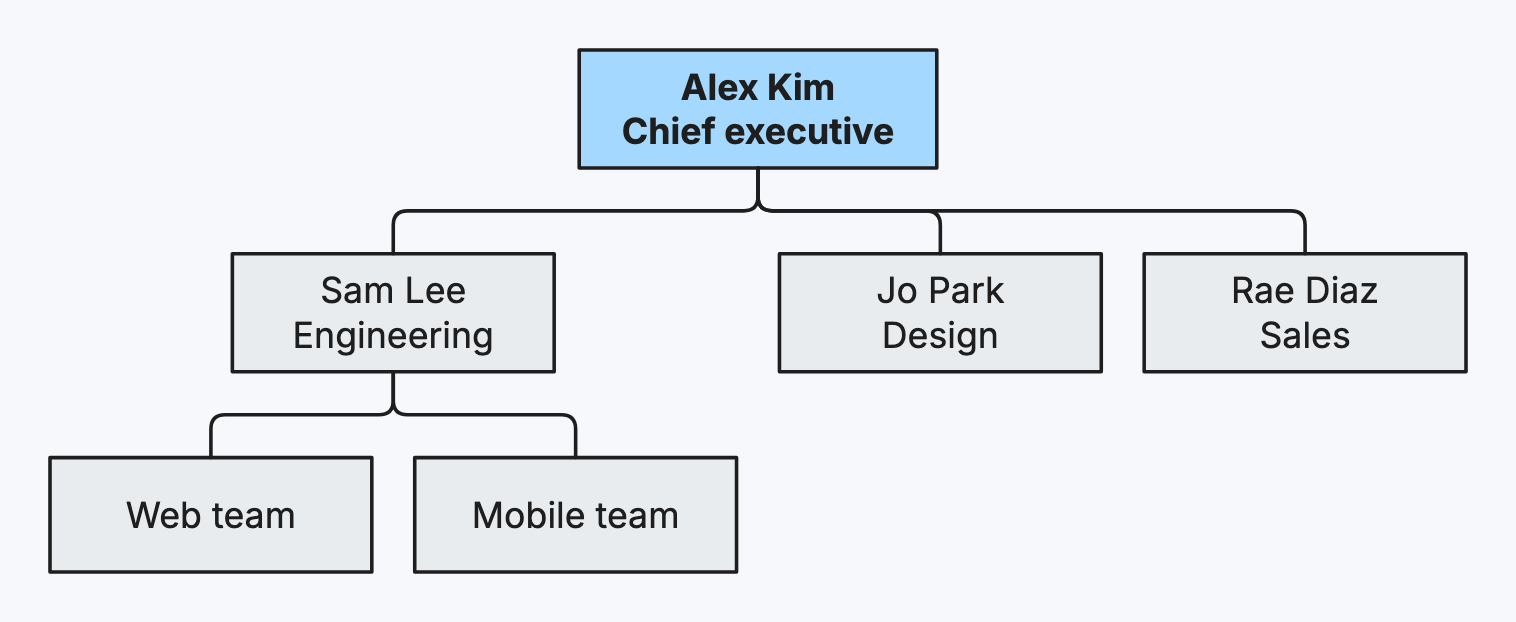
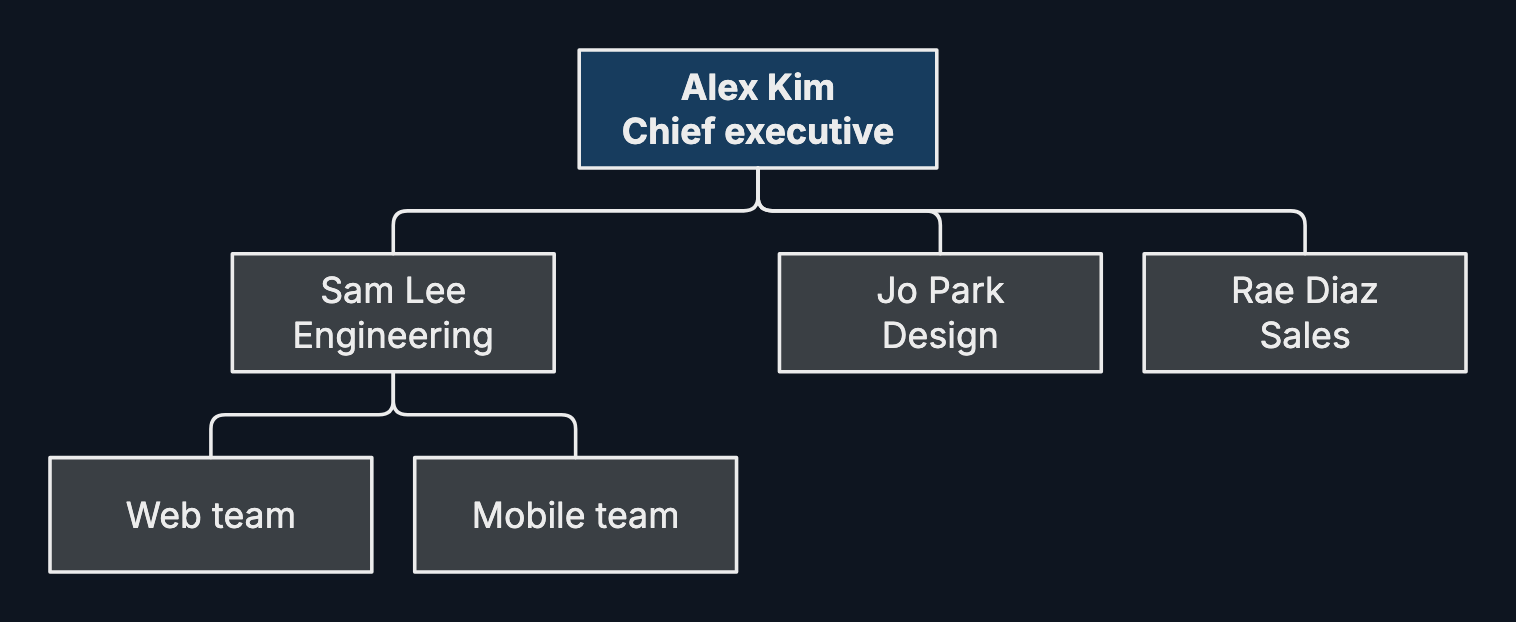
An org chart shows who reports to whom: a team, a company, or a project’s roles.
-
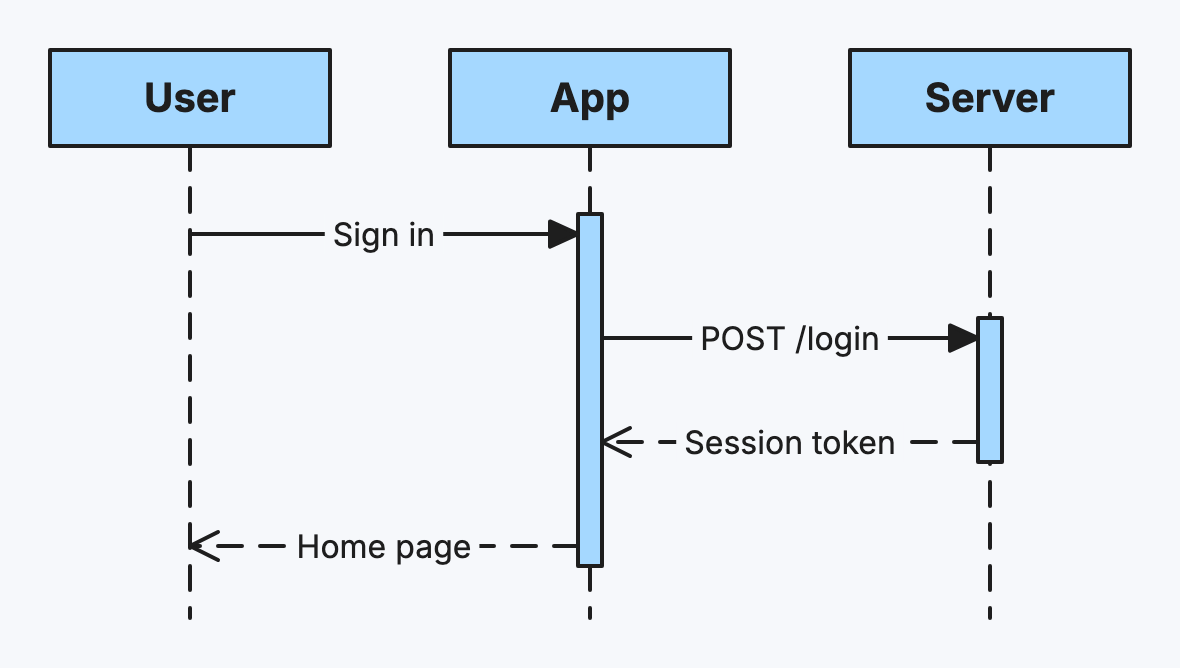
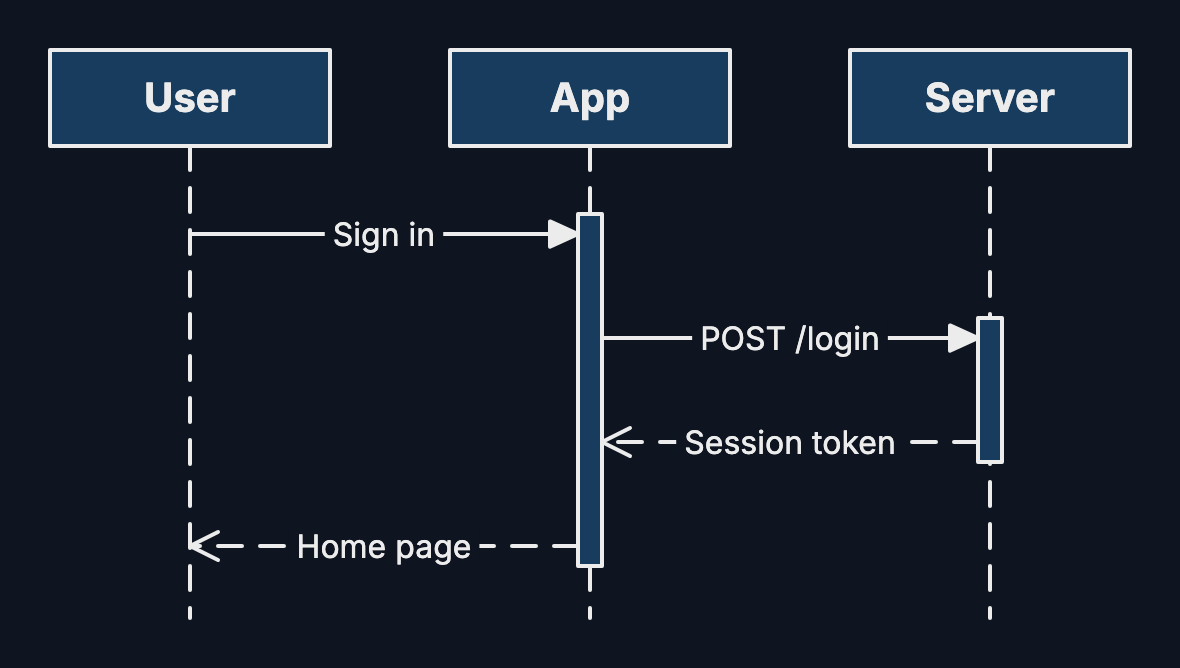
A sequence diagram shows the messages between participants in time order, top to bottom.
-
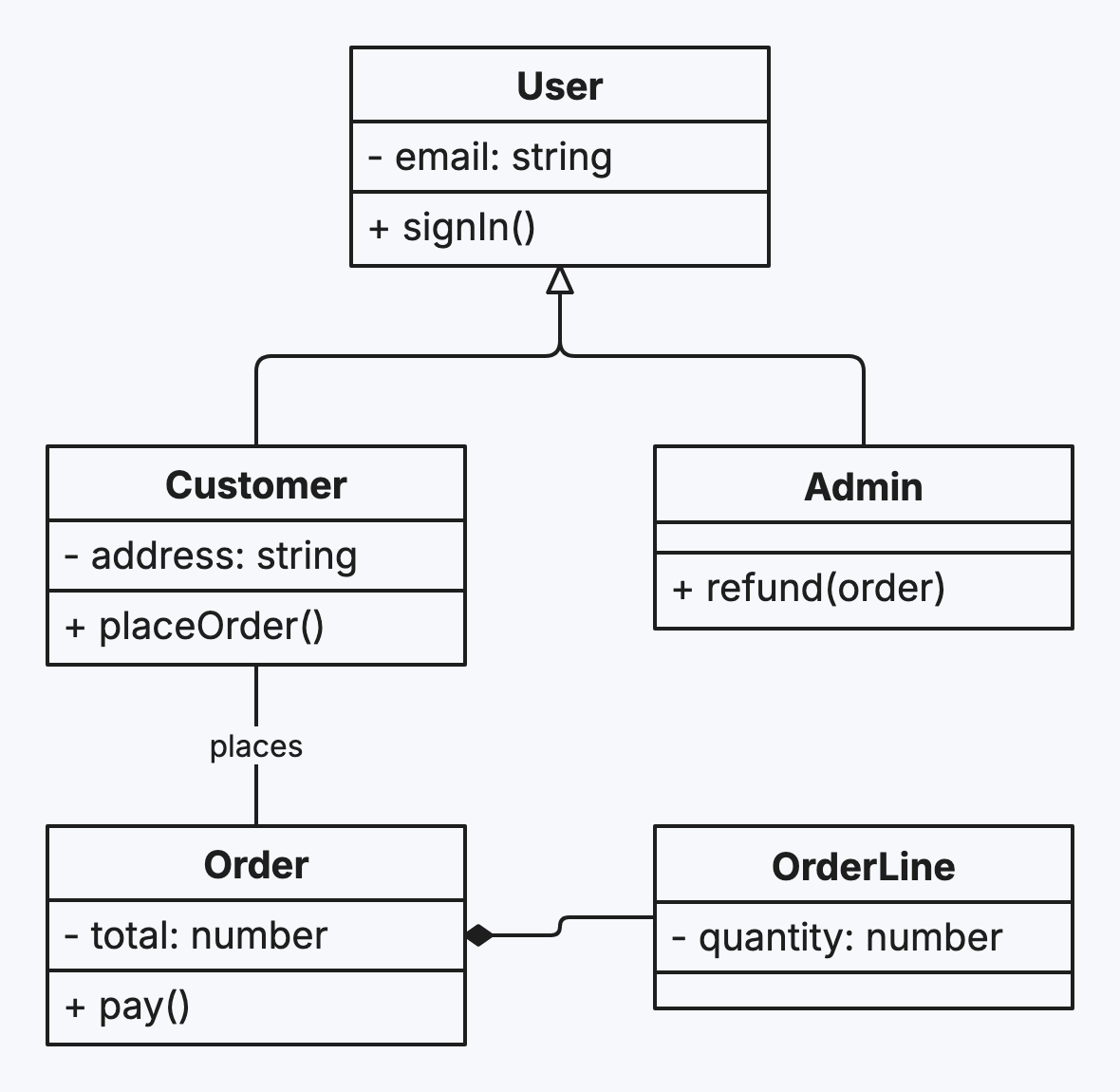
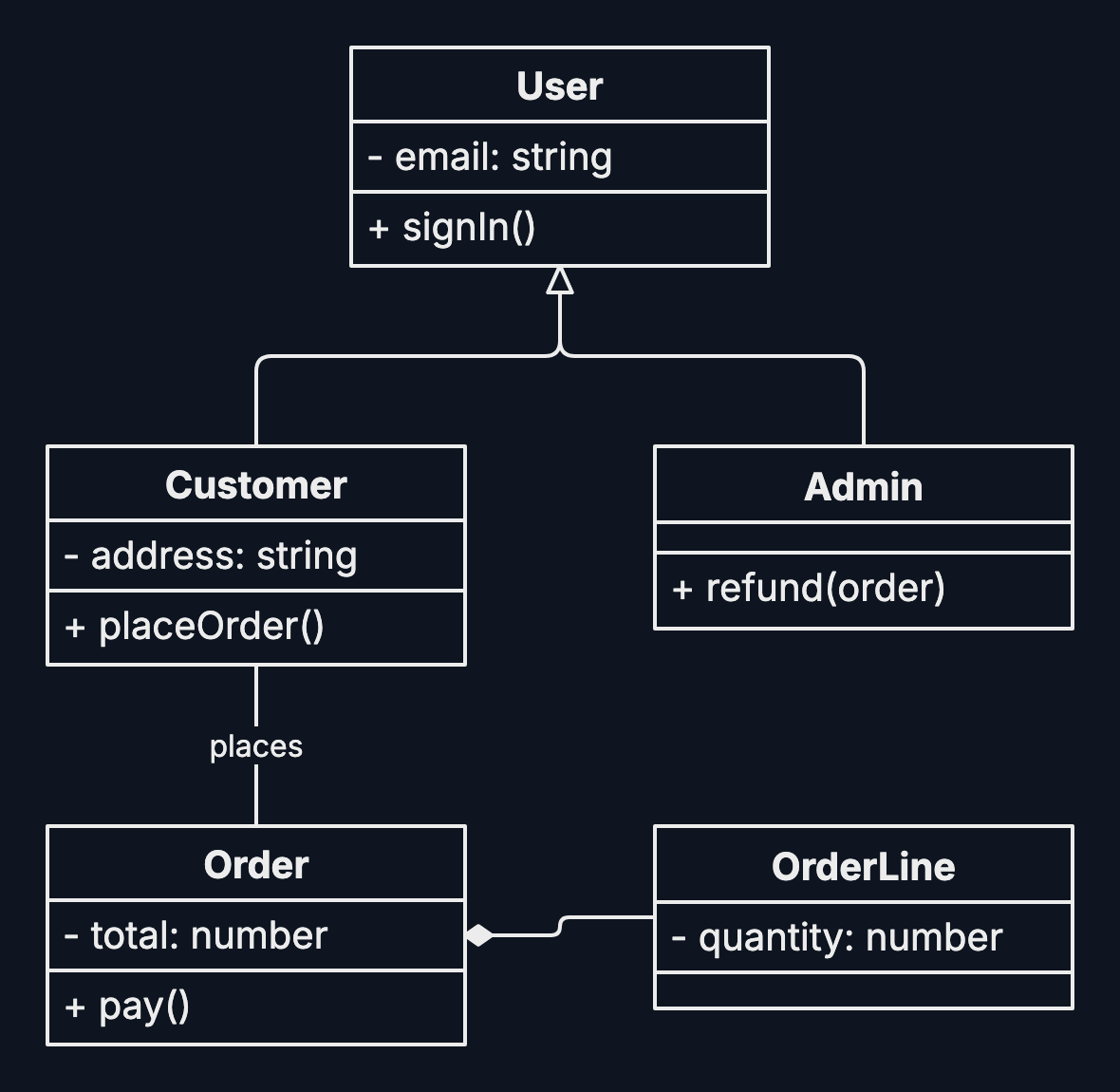
A class diagram shows the types in a program, what they hold and do, and how they relate.
-
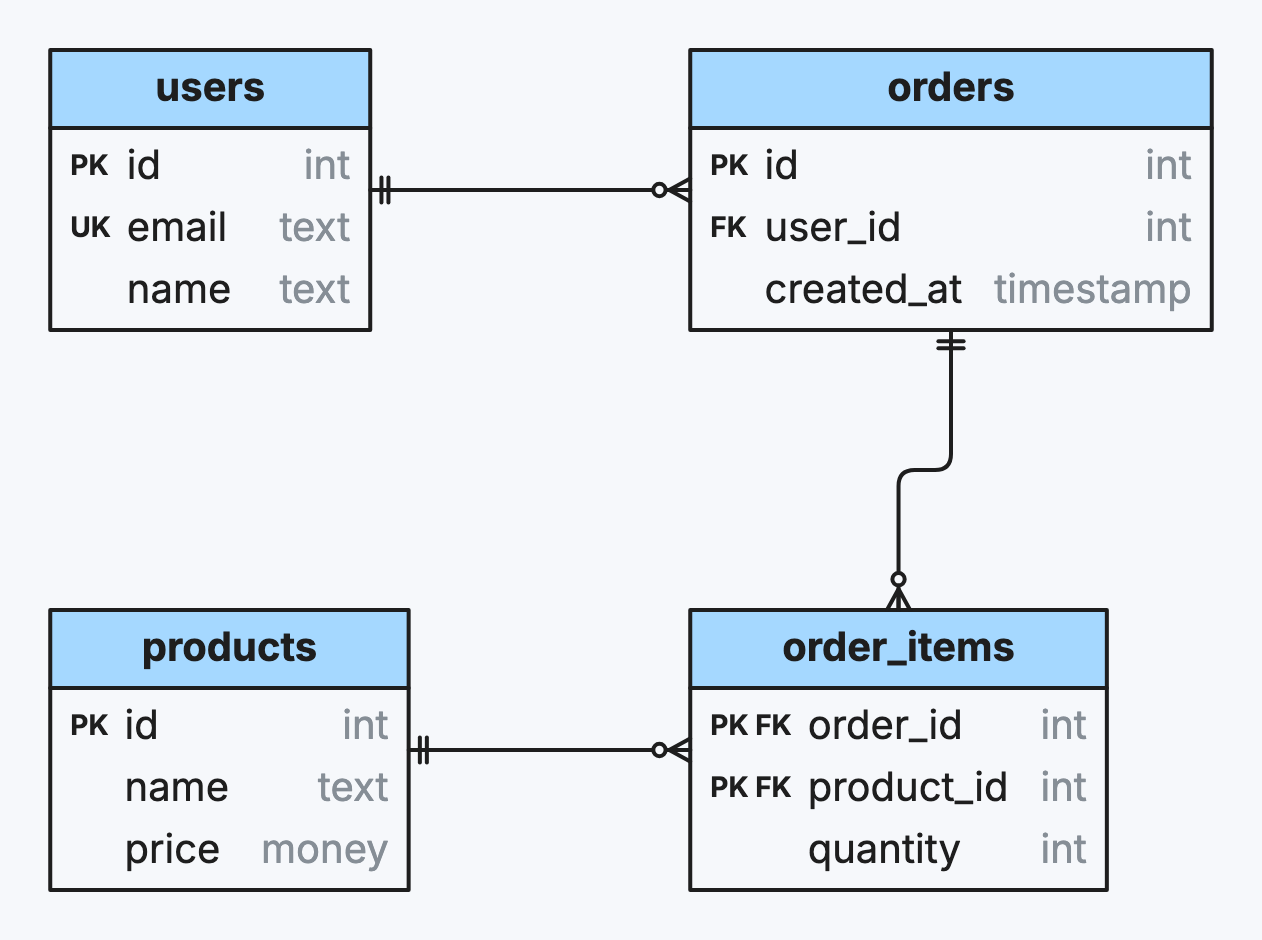
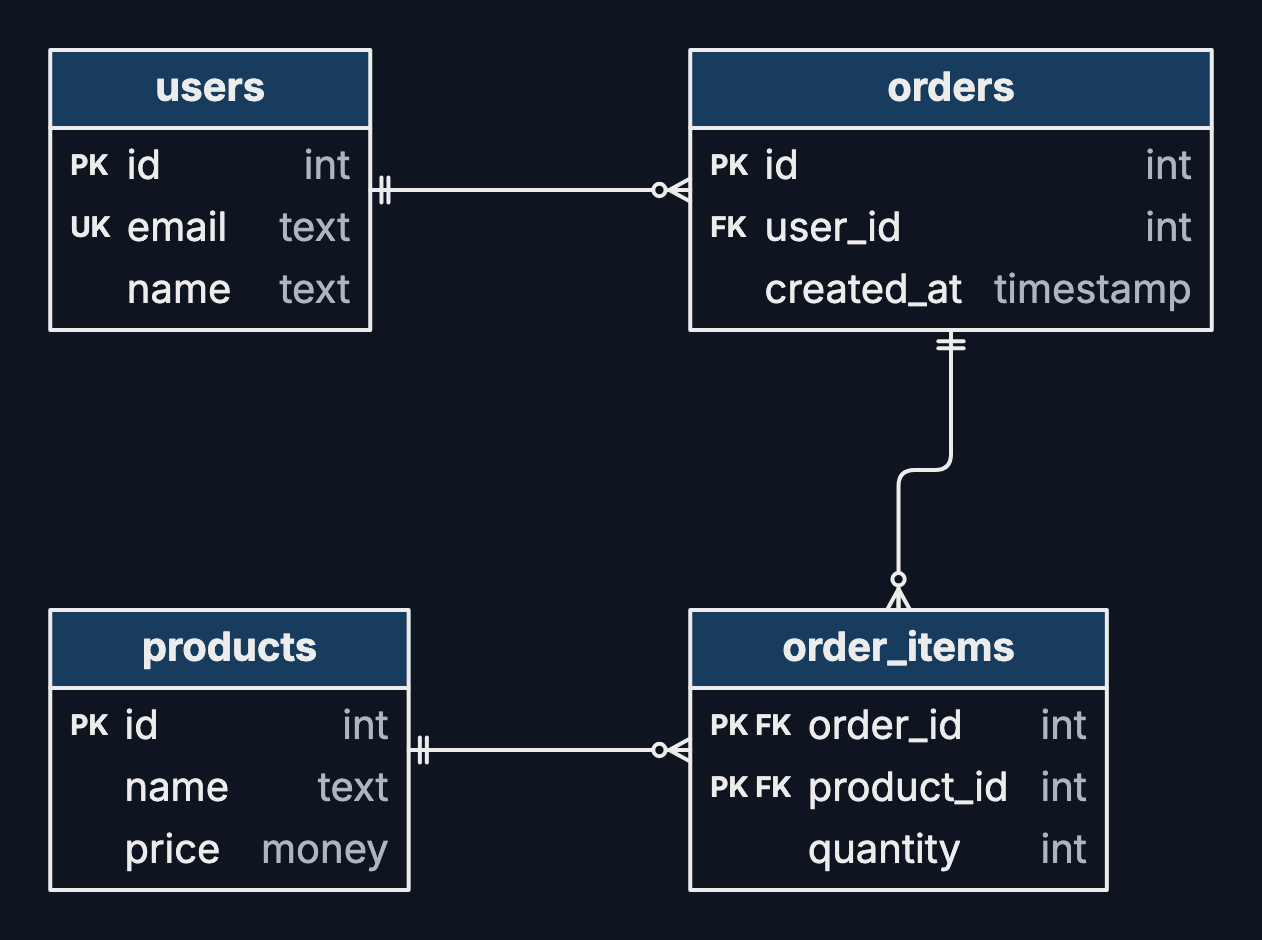
An entity–relationship diagram shows a database’s tables, their columns and how they join.
-
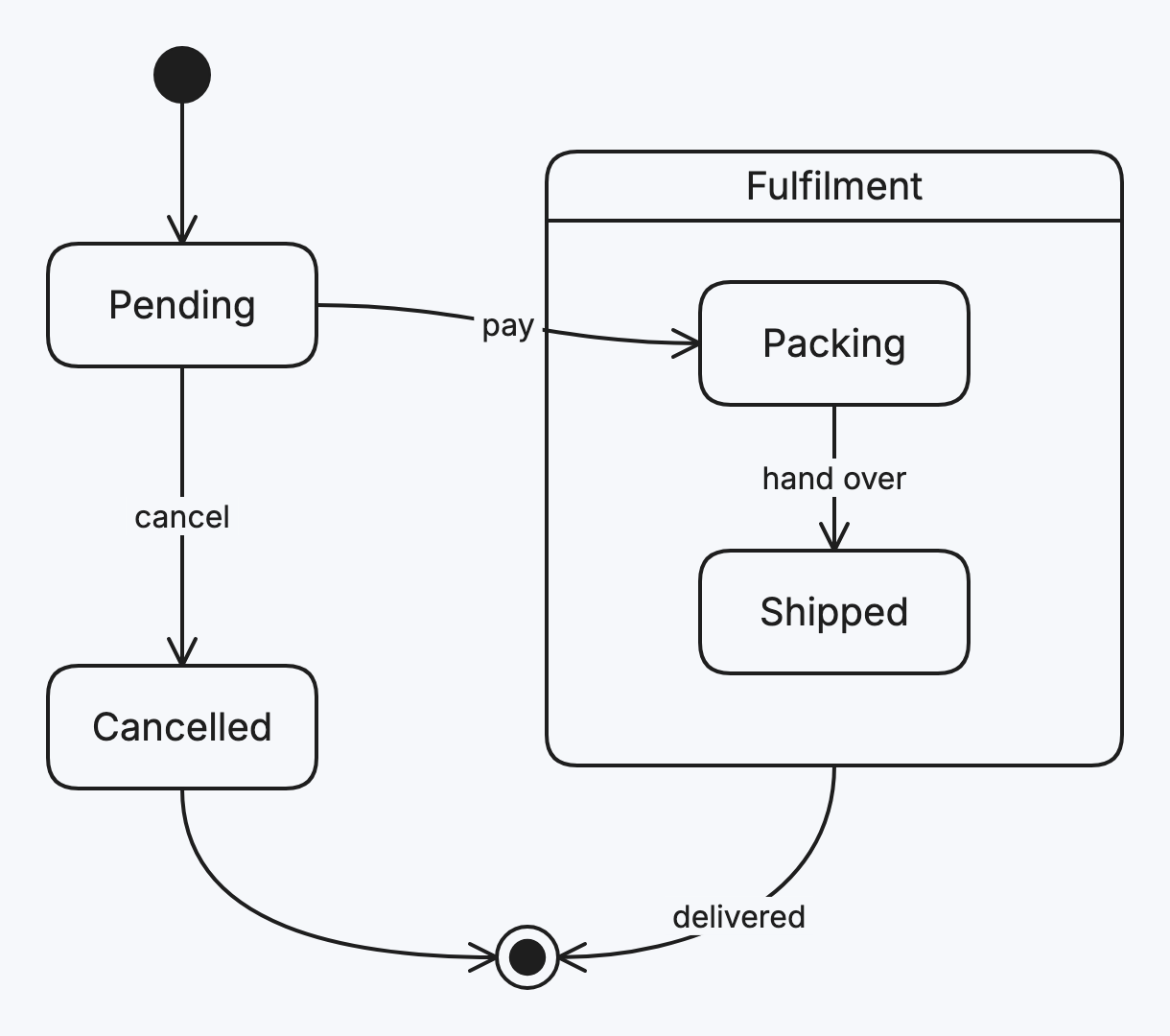
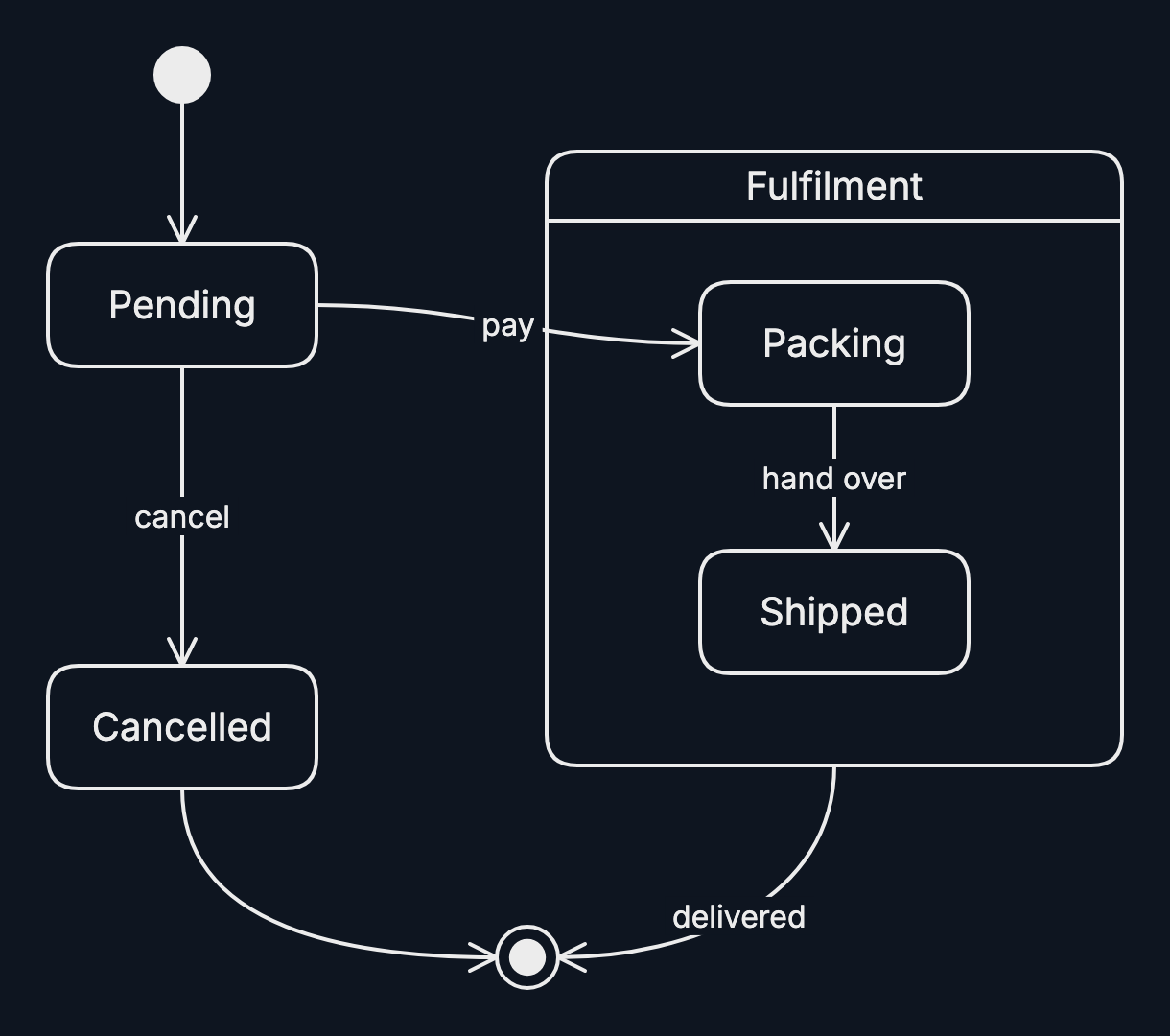
A state diagram shows the states something can be in and the events that move it between them.
-
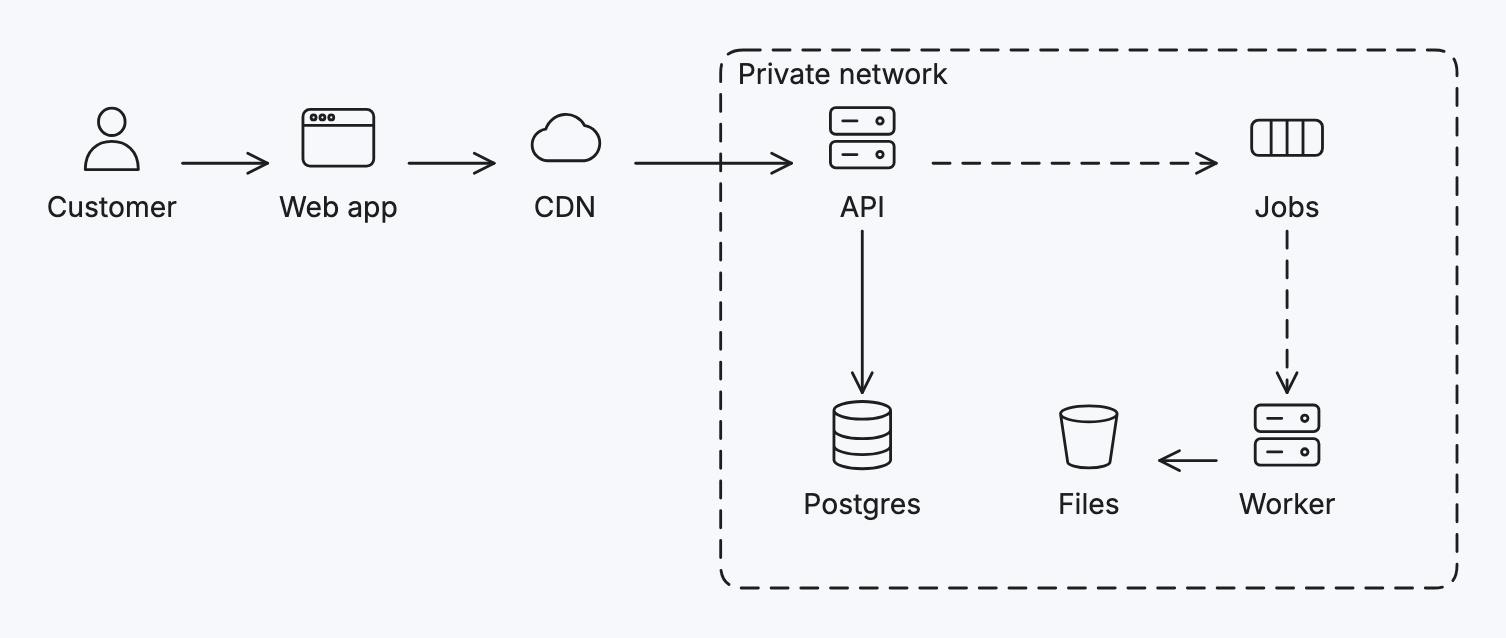
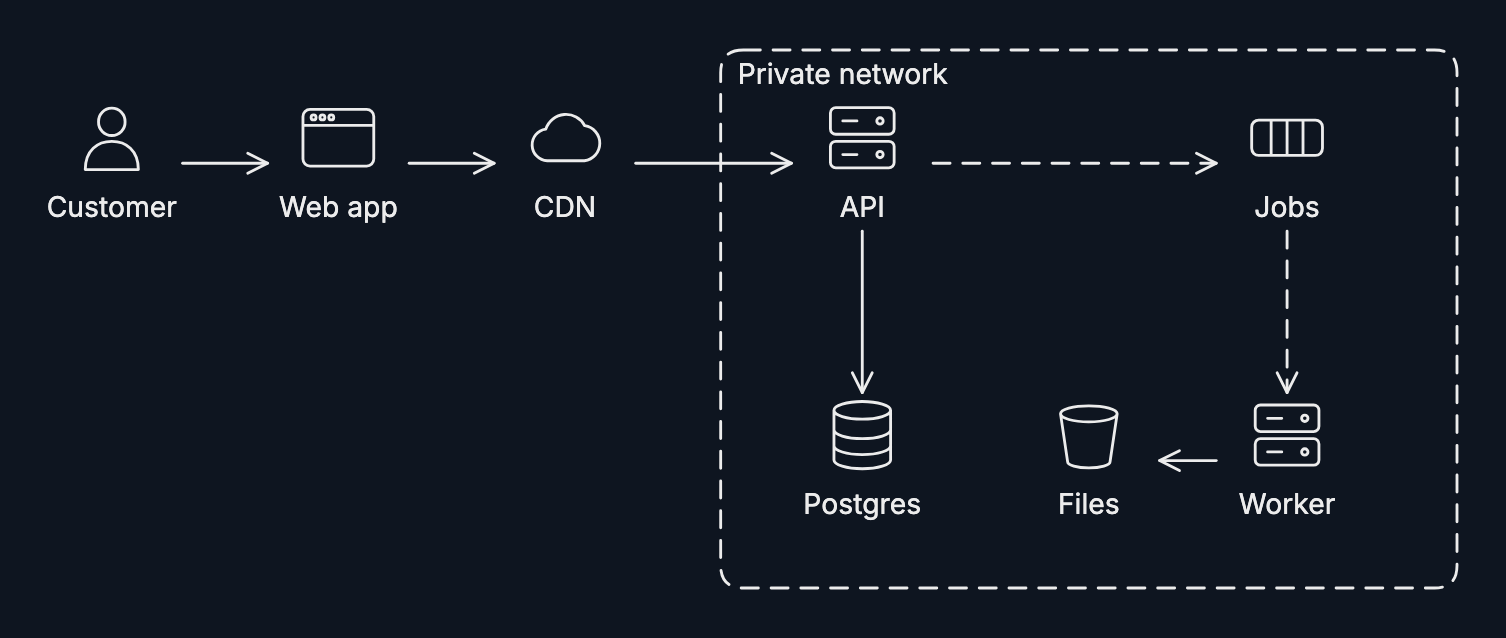
An architecture diagram shows the parts of a system and how they connect: users, apps, servers, databases, queues.
Mermaid
Have a diagram as Mermaid text? Paste it onto the board to edit it here, and export any board back as Mermaid: Mermaid import and export.
Habits of good diagrams
- One question per diagram. If it answers two, draw two.
- Label everything that isn’t obvious, arrows included; an unlabelled arrow makes the reader guess.
- Keep a direction. Flow top to bottom or left to right, and let Auto layout straighten things out.
- Use colour for meaning, not decoration, and say what it means.
- Put it in a frame to present it, export it as a page, or find it again on a big board.