How to draw a state diagram
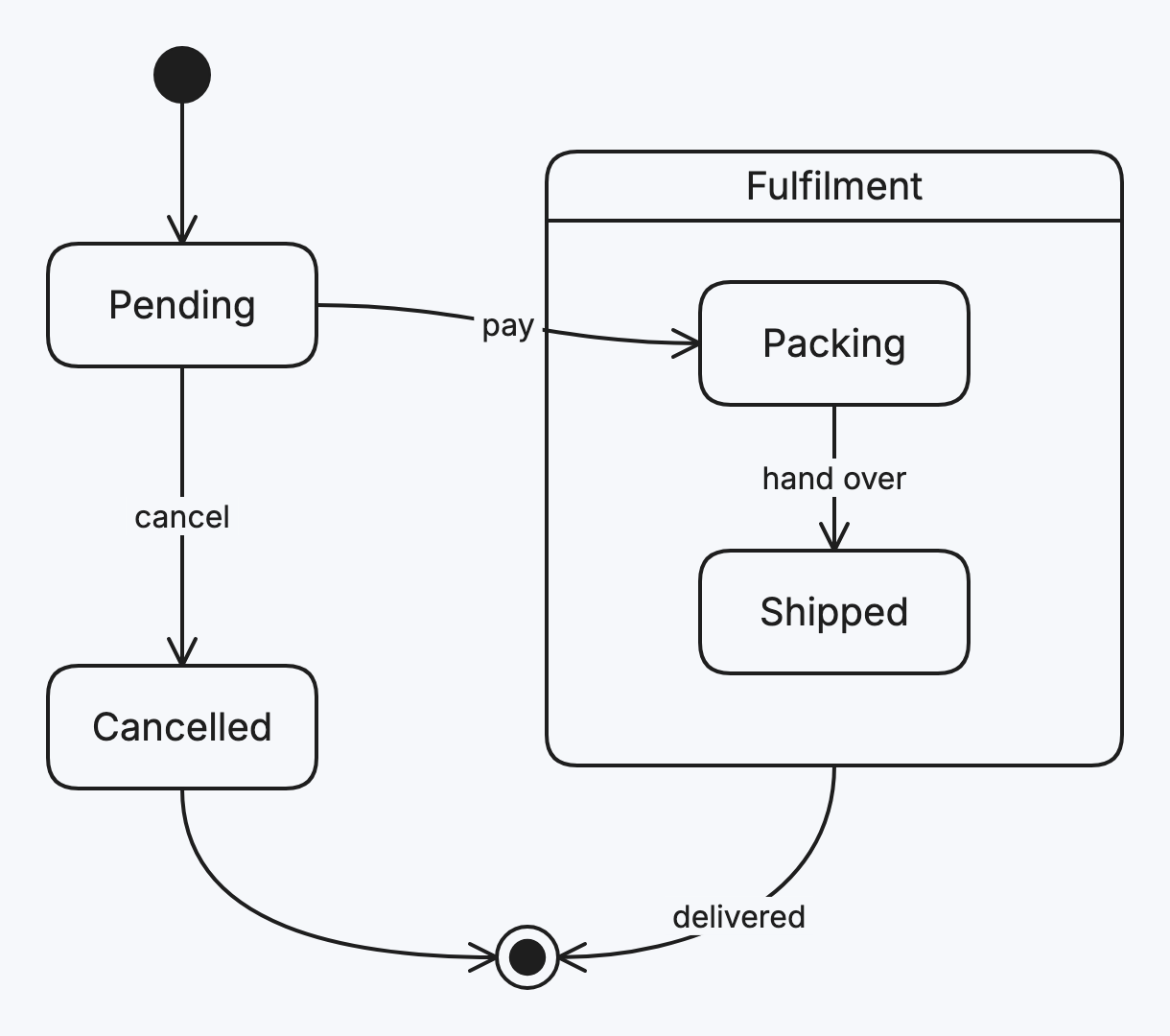
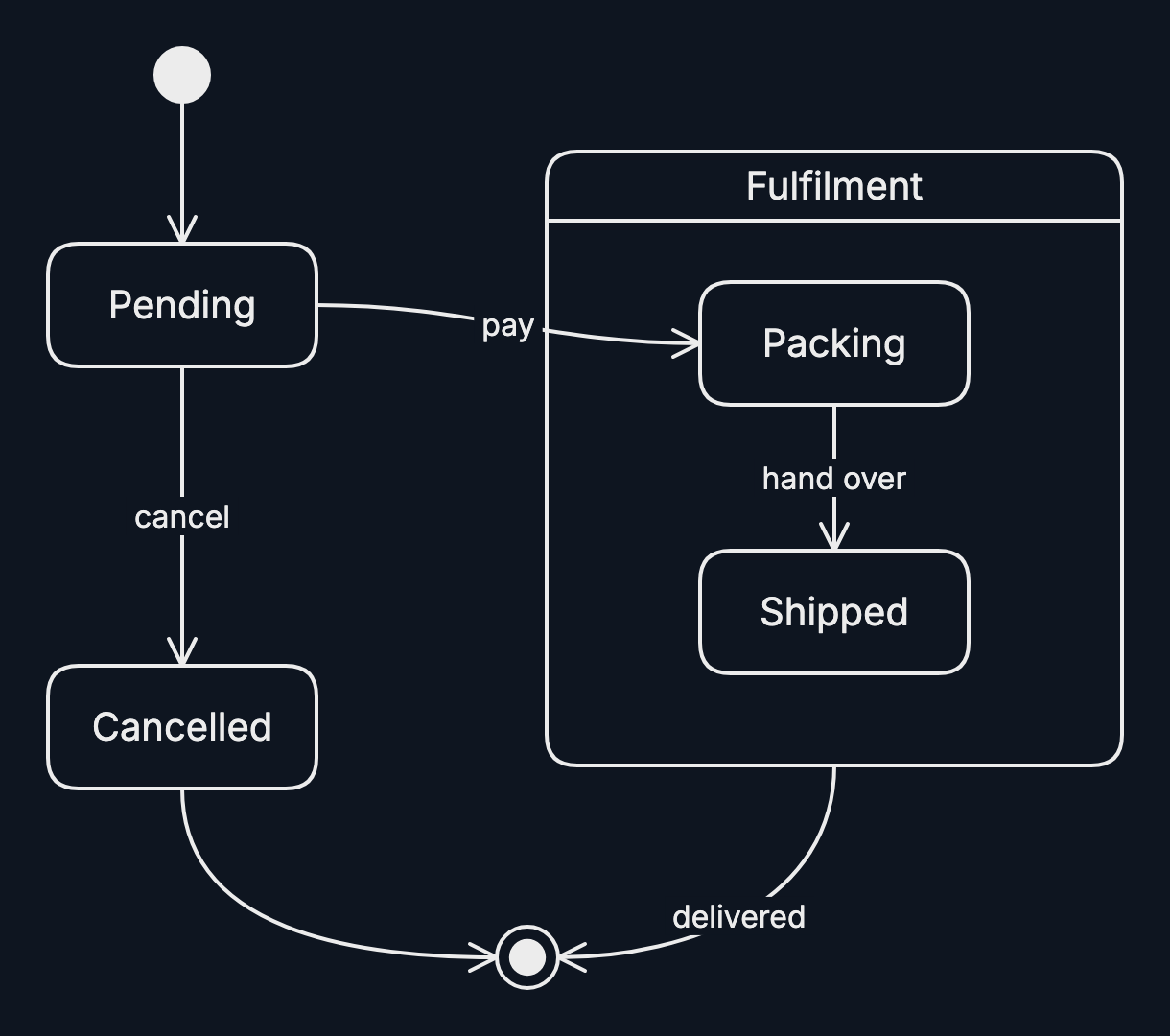
A state diagram shows the states something can be in and the events that move it between them. Draw one for orders, documents, connections: anything with a lifecycle.
Step by step
-
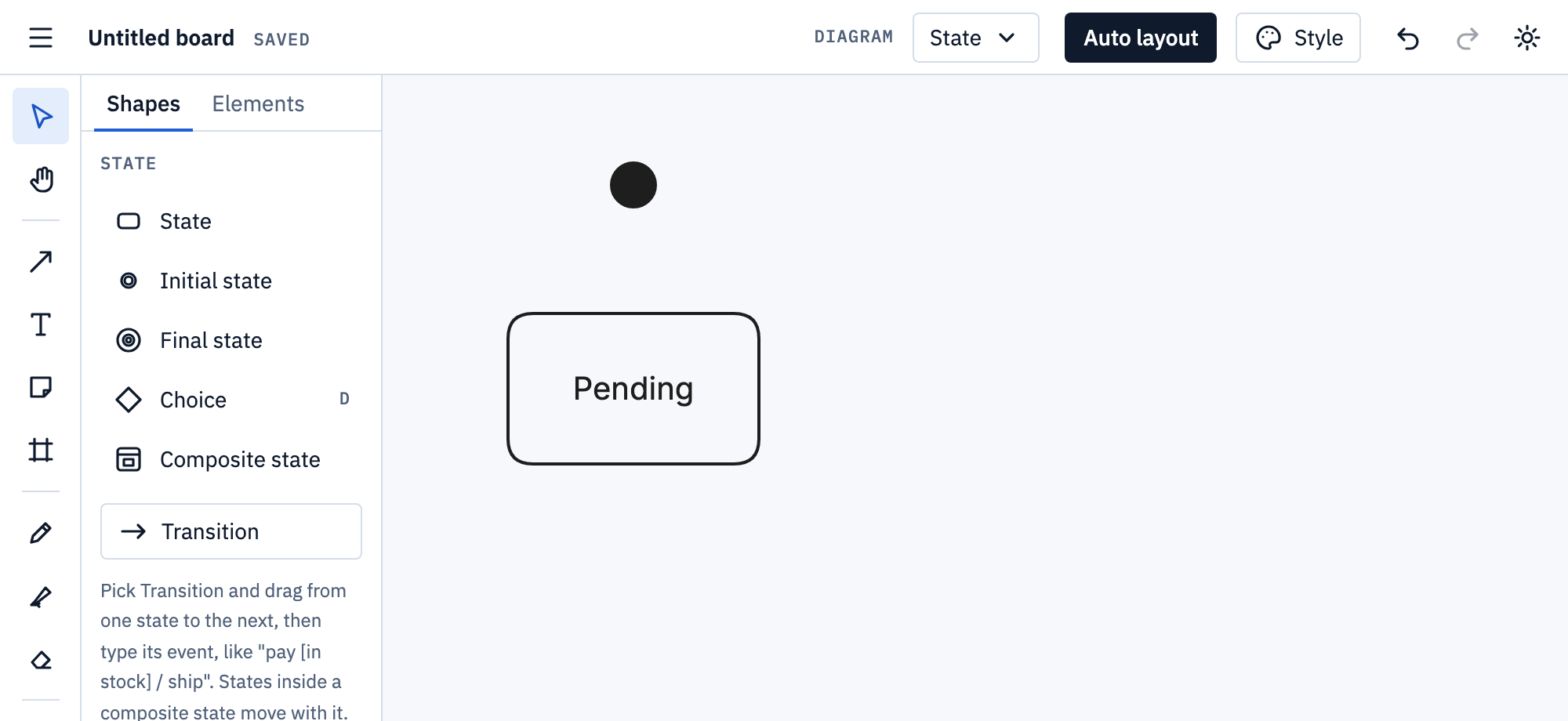
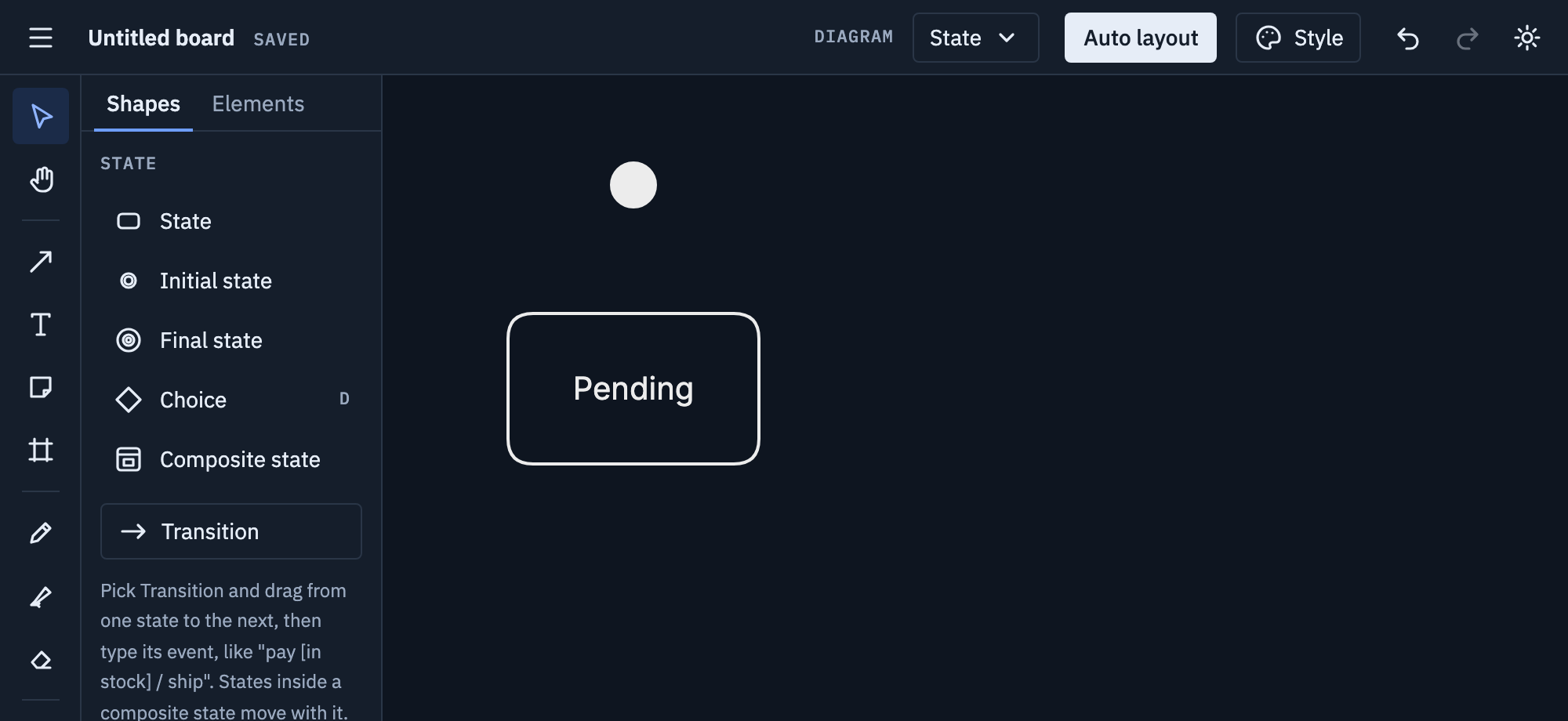
Pick State from the Diagram menu. Place an Initial state dot, then a State, and type its name.
-
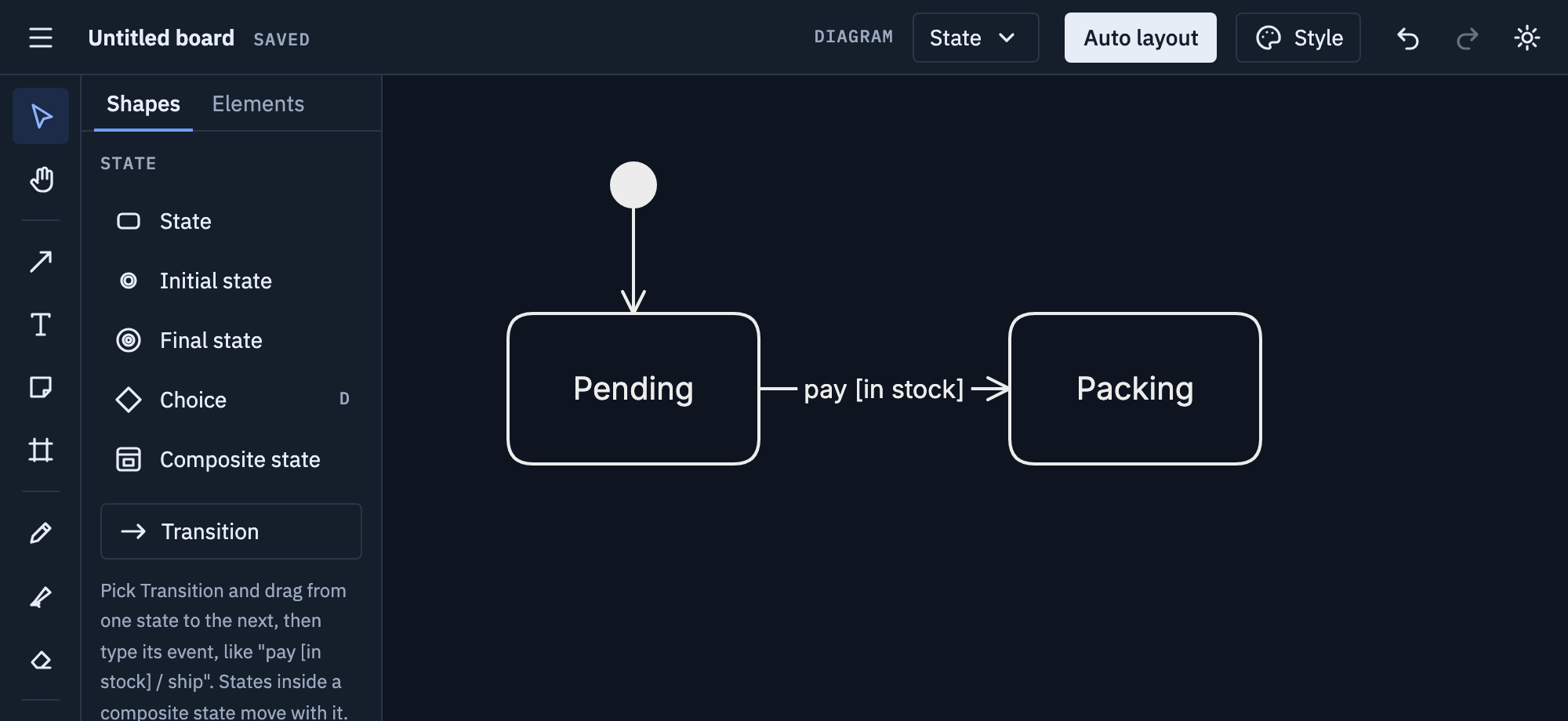
Pick Transition and drag from one state to the next. Type the event as soon as it’s drawn, like
pay [in stock].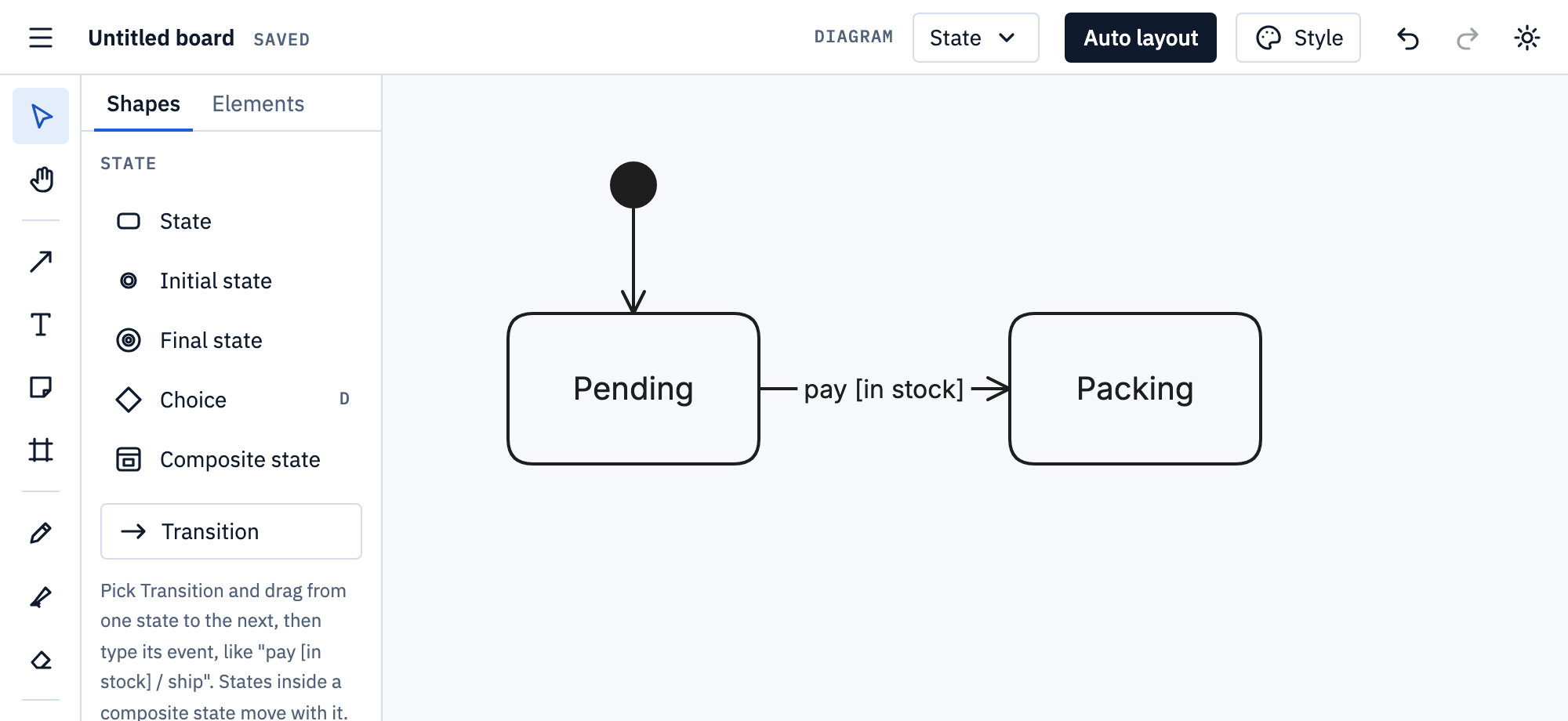
-
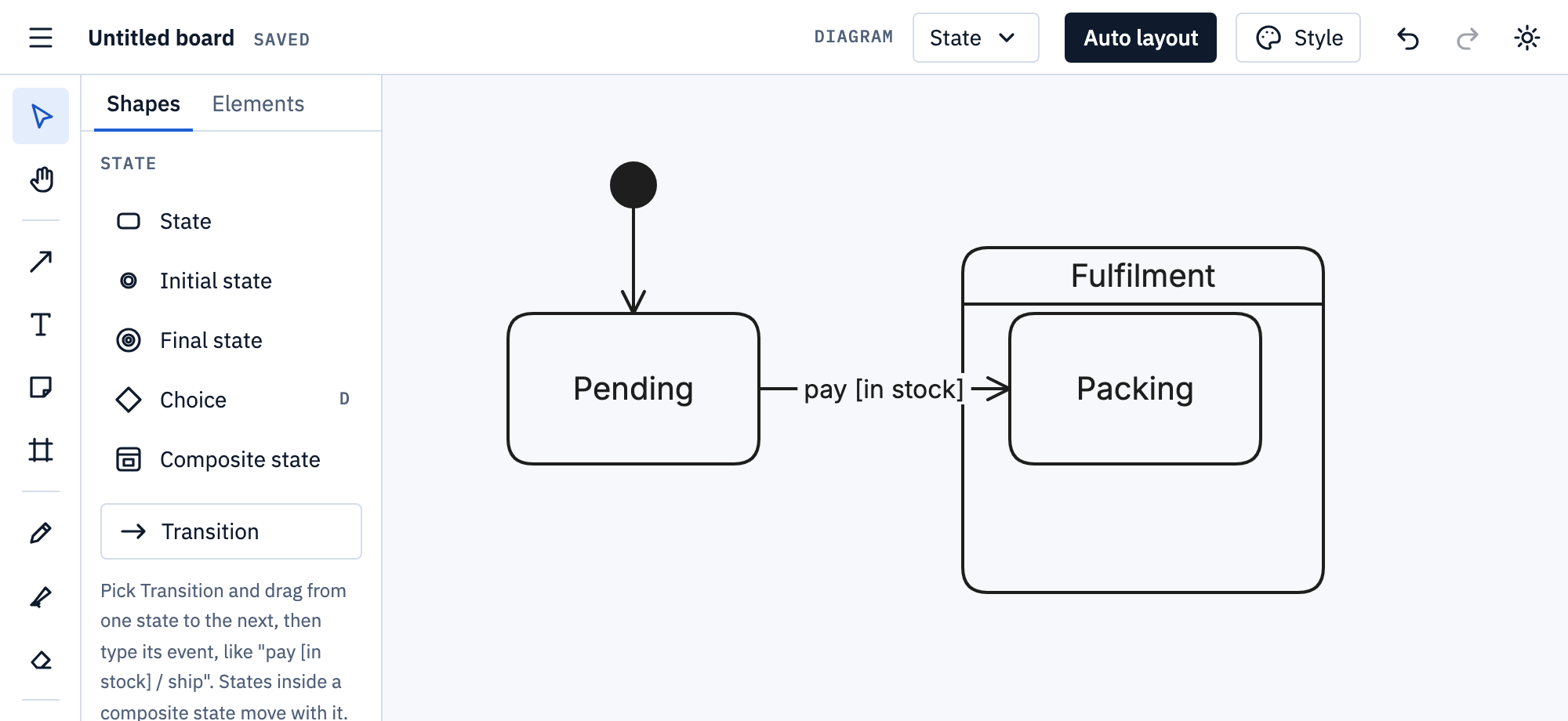
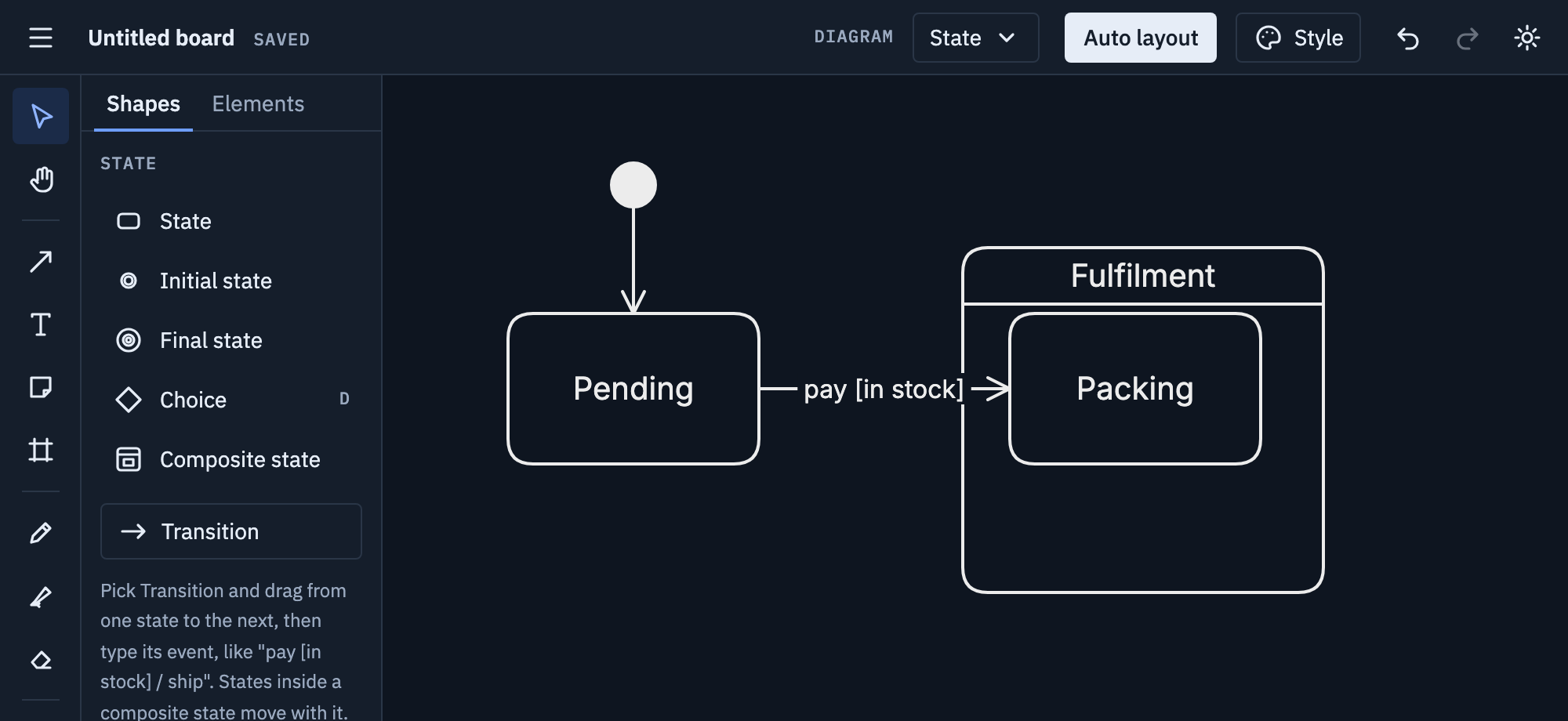
Draw a Composite state around states that belong together, and name it: they move with it.
Tips
- Name states as conditions (“Paid”), transitions as events (“pay”).
- Write a transition as
event [guard] / actionwhen it needs one. - Every state should have a way out, unless it’s meant to be final.
Mermaid
Paste this onto the board, or use Board menu → Import Mermaid…; Export Mermaid… writes a board back as text.
stateDiagram-v2
  [*] --> Pending
  Pending --> Packing : pay [in stock]
  state Fulfilment {
    Packing --> Shipped
  }
  Shipped --> [*]
[*] is the start or the end of its scope.
state "Long name" as id names a state, state id { … } makes a
composite, state id <<choice>> a choice. More on
Mermaid import and export.